Code that steps
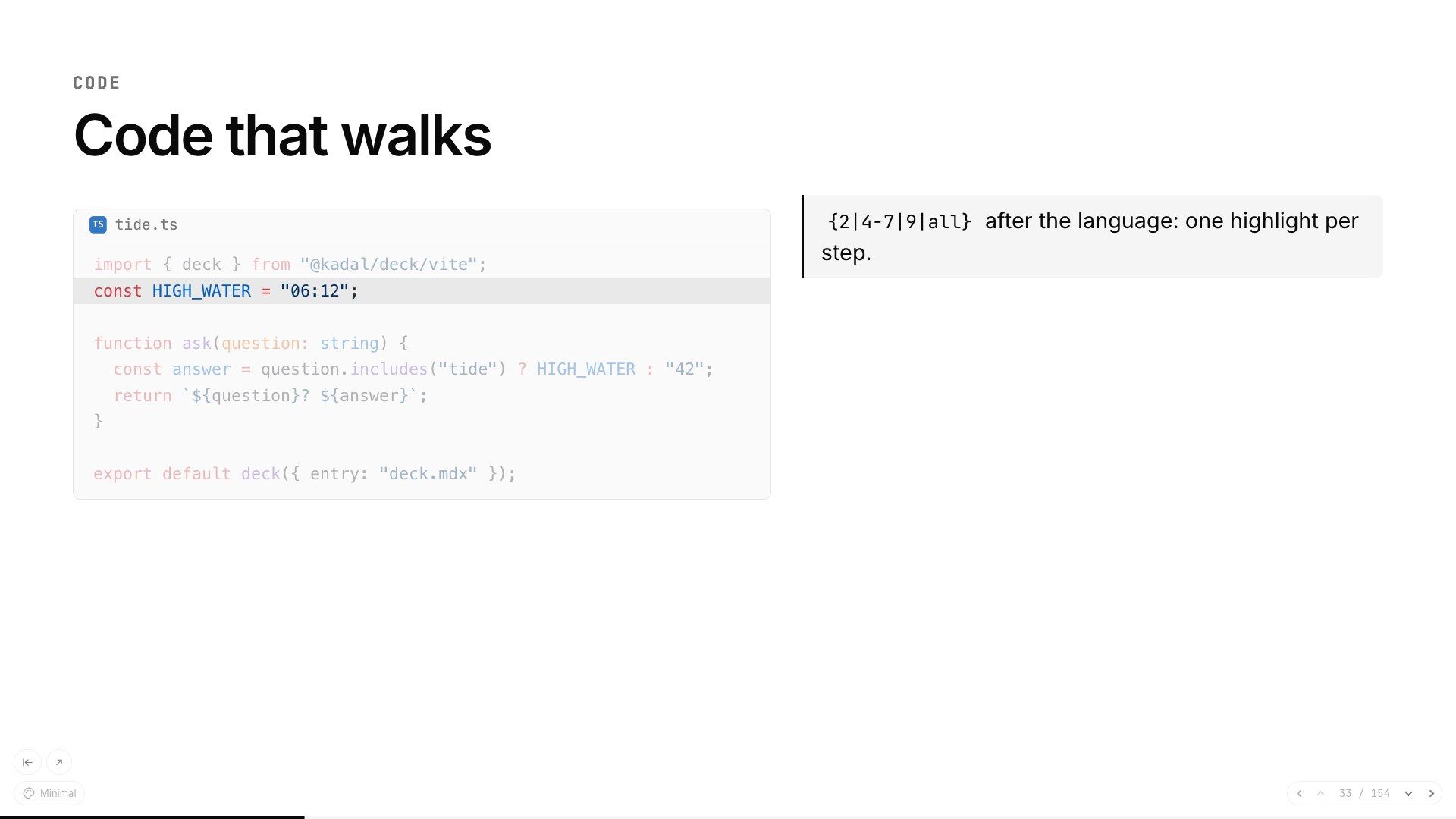
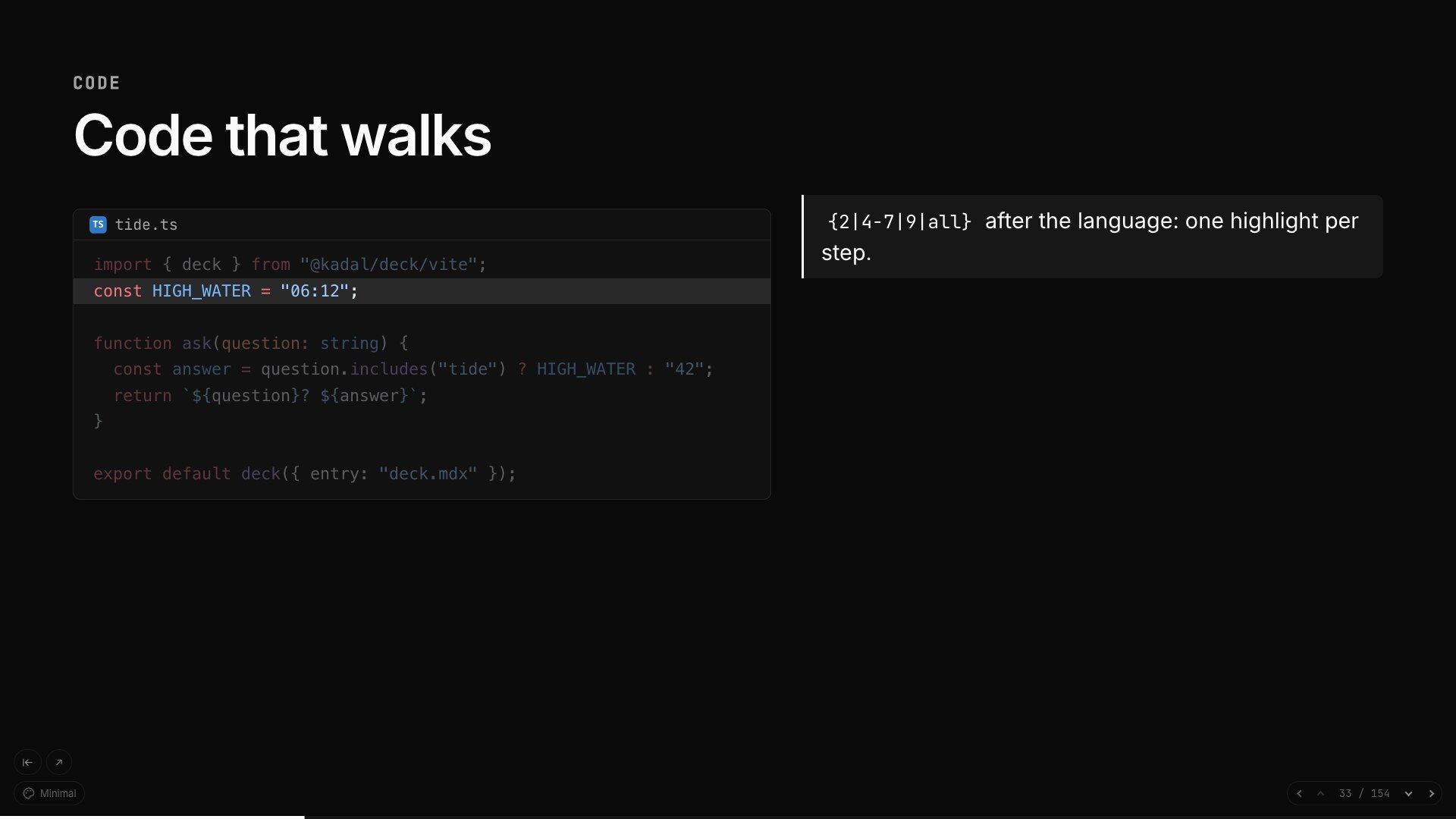
Highlighted when the deck is built. {2|4-7|all} walks the lines a click at a time, and magic move morphs one version into the next.
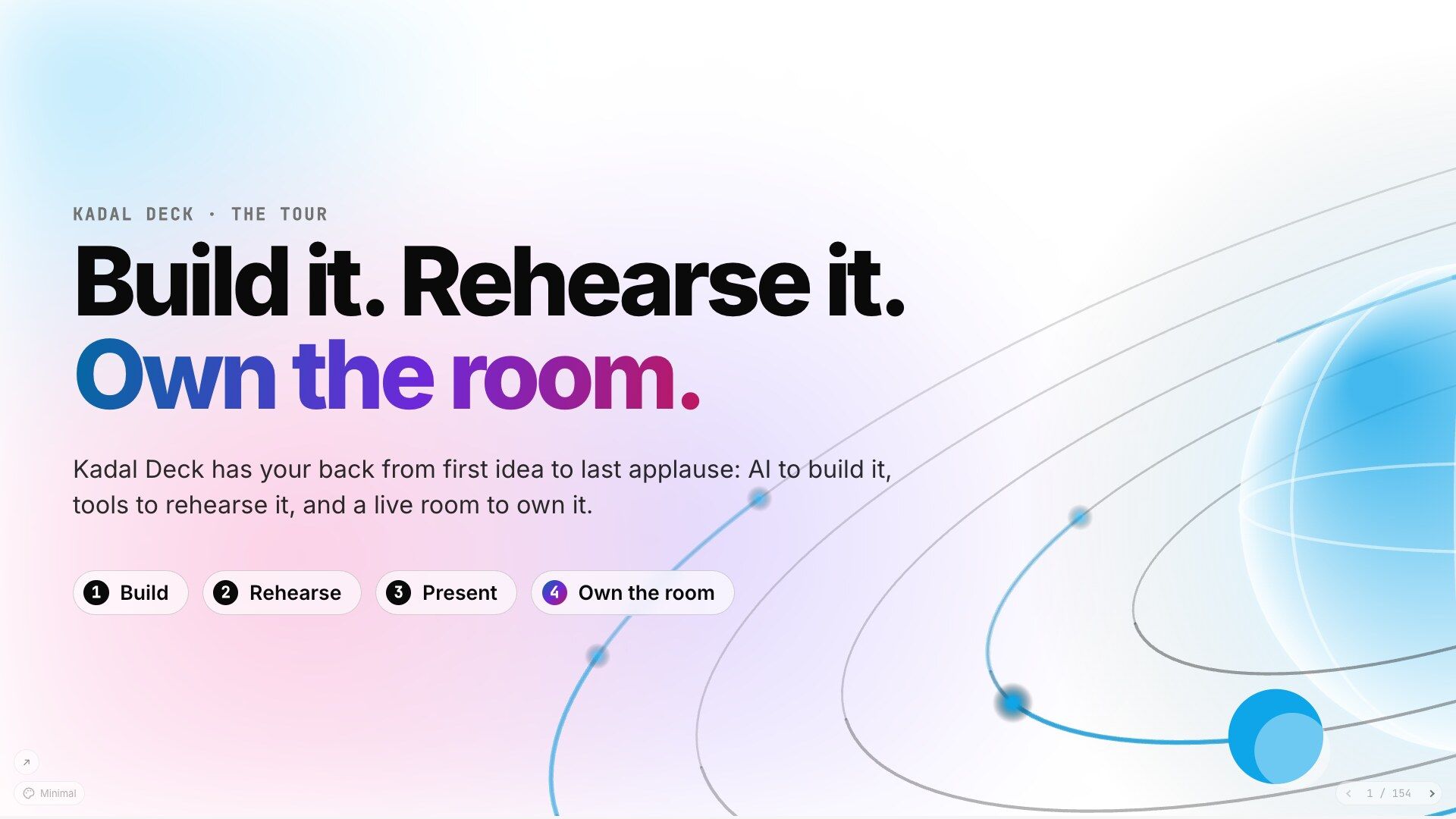
Kadal Deck is the AI presentation app. It has your back from the first idea to the last applause: AI that drafts the slides with you, rehearsal with a voice and a timeline, a teleprompter and your phone as the clicker, and a live room that keeps every seat in it — polls, quizzes, Q&A and reactions.
AI on your side: an assistant drafts the deck with you, a copilot works it with you on stage, and your own agent connects over MCP.npm create @kadal/deck@latest my-talk pnpm create @kadal/deck my-talk yarn create @kadal/deck my-talk bun create @kadal/deck my-talk Free for public decks · Paid plans from $4 a month · Open source under the AGPL


That's the tour, a real Kadal Deck that shows every feature. Click through it here, or take the tour full screen.
For the whole talk
Whatever your talk is, you shouldn't be on your own with it. Kadal Deck is with you from the first idea to the last question from the back row.
01
Start from an idea, not a blank slide.
02
Practise out loud until it's yours.
03
Walk on stage with everything at your fingertips.
04
Keep every seat with you.
01 Build it
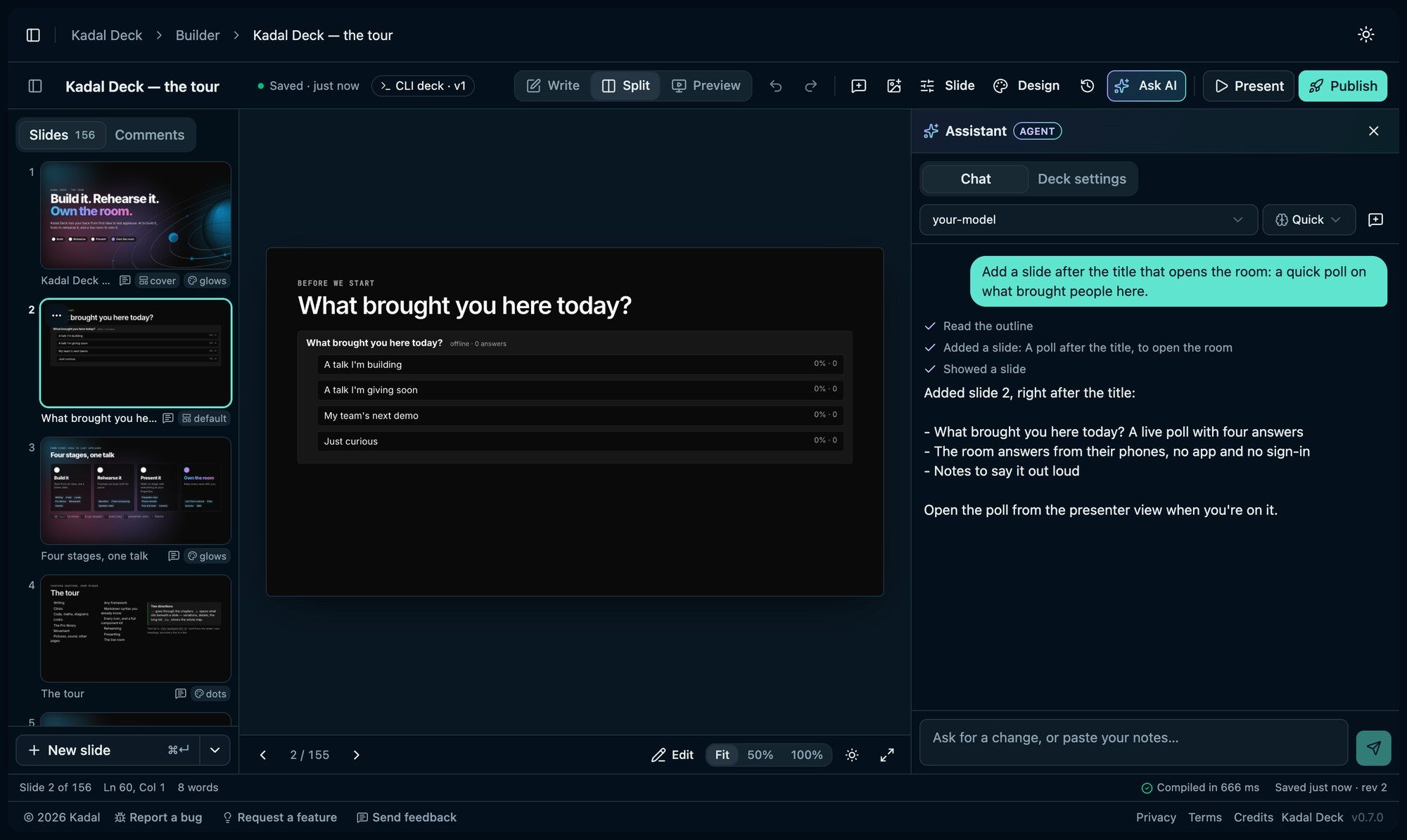
Tell the Assistant what the talk is about and it drafts the deck with you, or hand the job to your own agent.
Then make it yours, in the browser or in your editor. Either way it's one deck.mdx you own.
AI that builds with you
The agent outlines the talk, writes one slide at a time, lints the deck, then renders the slides to pictures so it can see what it made and fix it. In the browser, the builder's Assistant does the same on your own AI key.
Set it up with your agentIn the online builder, describe the talk and it drafts the deck, then revises it slide by slide and works through your comments. It checks its own work, and every change is a revision you can undo. On your own key from OpenAI, Anthropic, Google or OpenRouter.
Claude, Cursor or any MCP client builds it too: outline the talk, add or edit one slide at a time, lint, render slides to pictures to see what it made, and publish.
npx -y @kadal/deck mcp Teaches an agent the syntax, the components and how to pace a talk: one idea a slide, clicks for timing.
npx skills add kadalcc/deck
Markdown for the words, components when you need them. Slides split at ---, steps are
<Clicks>, and a live poll is one component. The slide you're on reloads as you type.
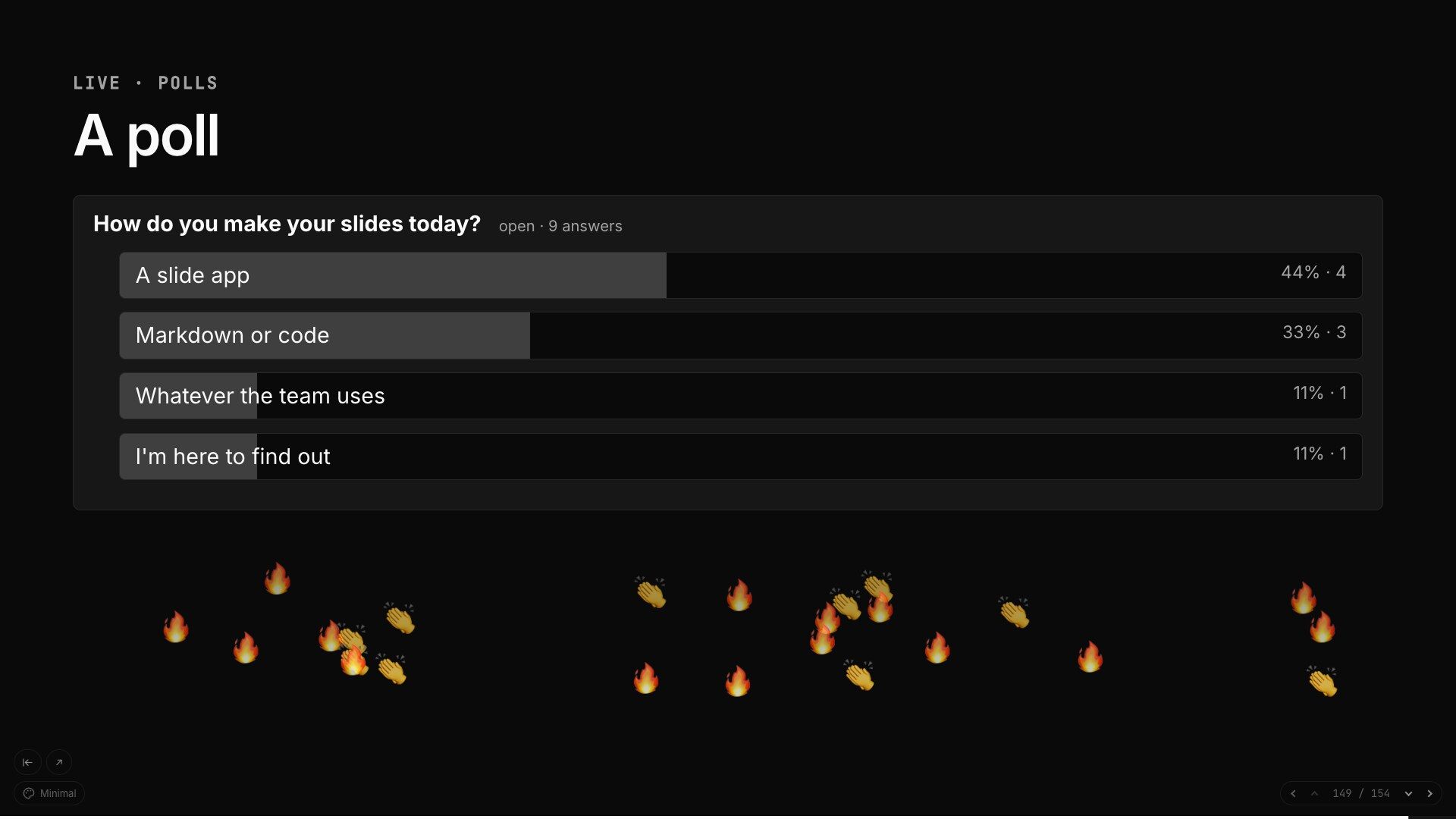
---id: poll--- <p className="sc-eyebrow">Live · polls</p> ## A poll <Poll id="tools" question="How do you make your slides today?" options={["A slide app", "Markdown or code", "Whatever the team uses", "I'm here to find out"]} />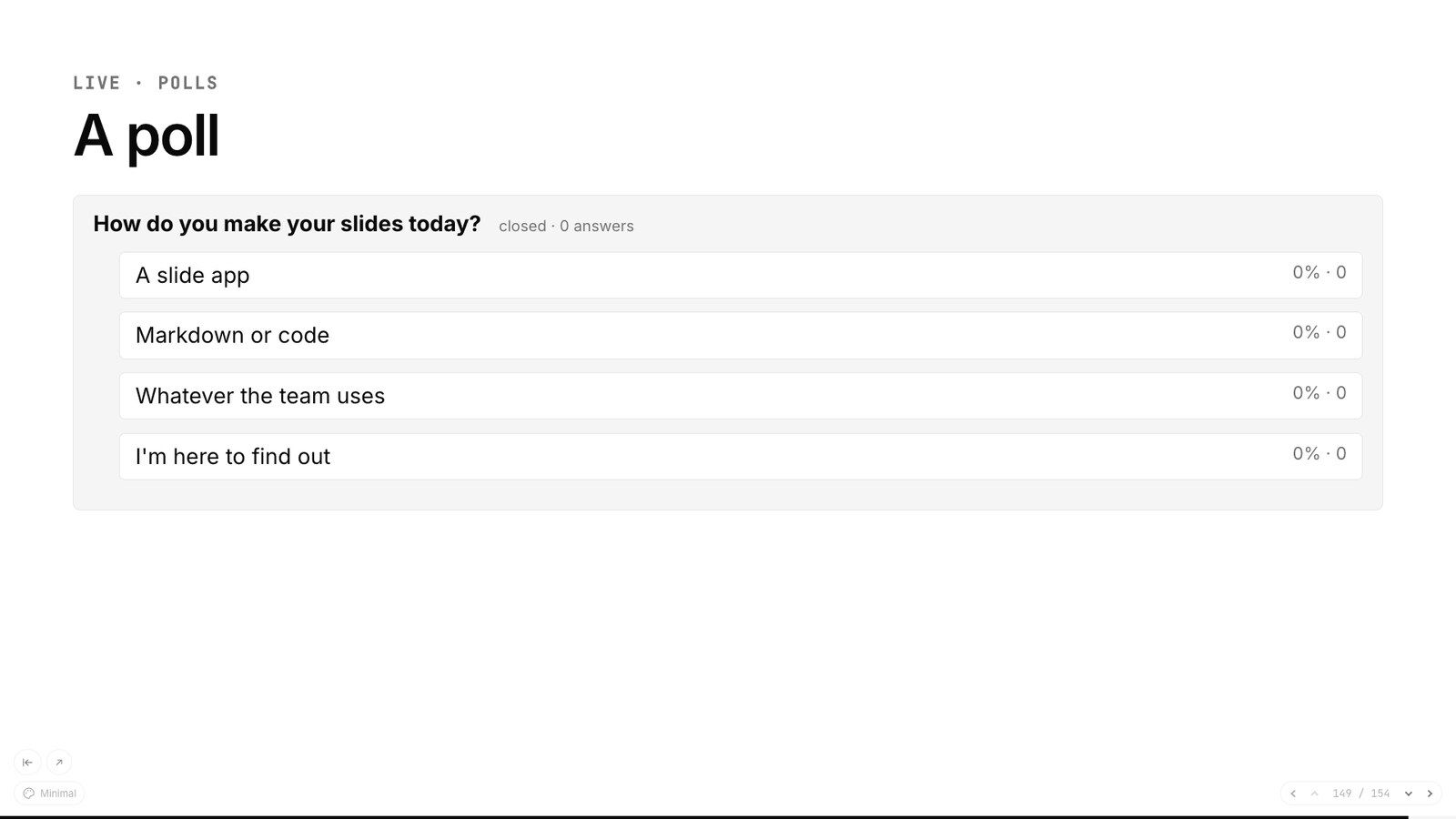
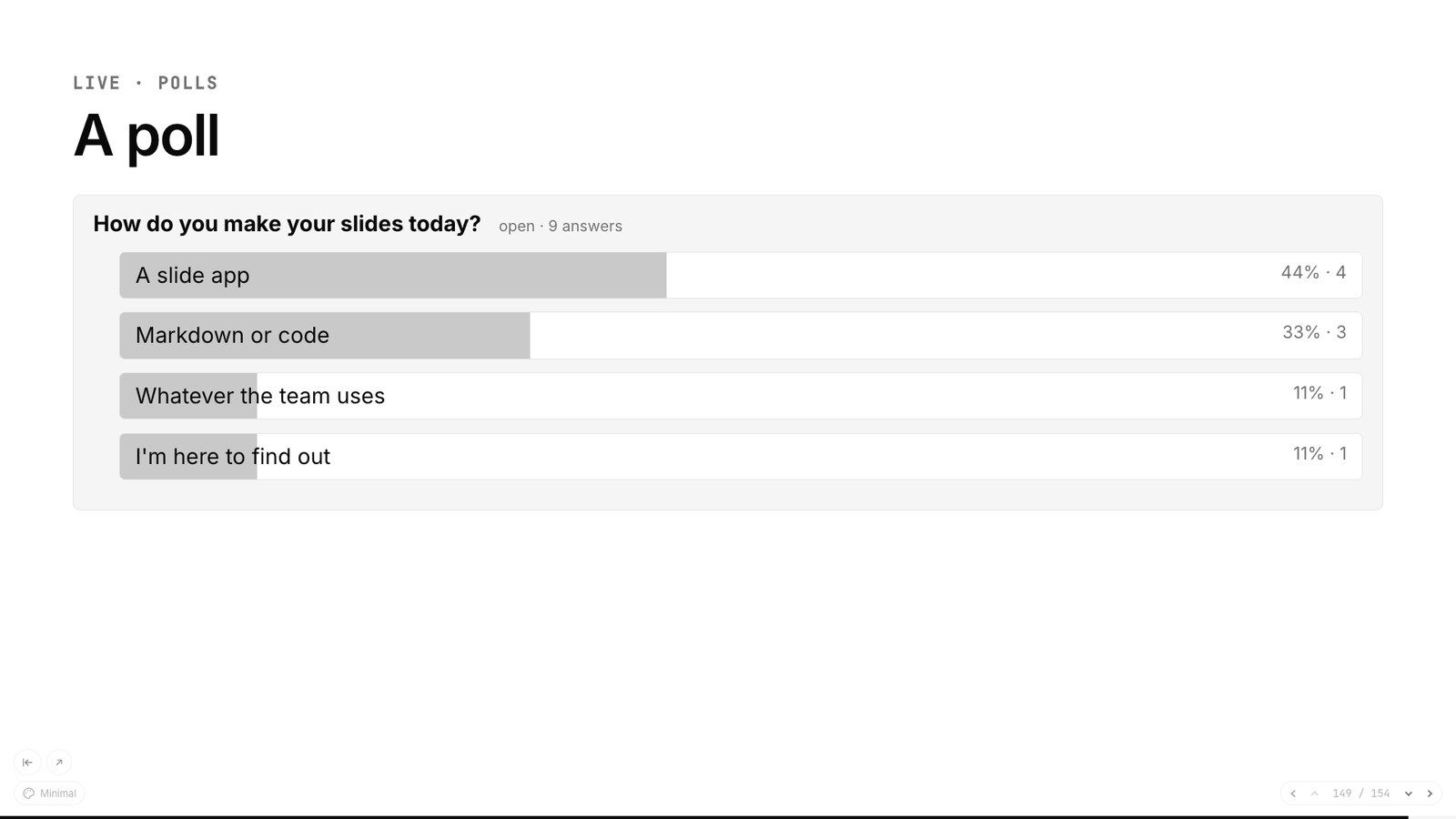
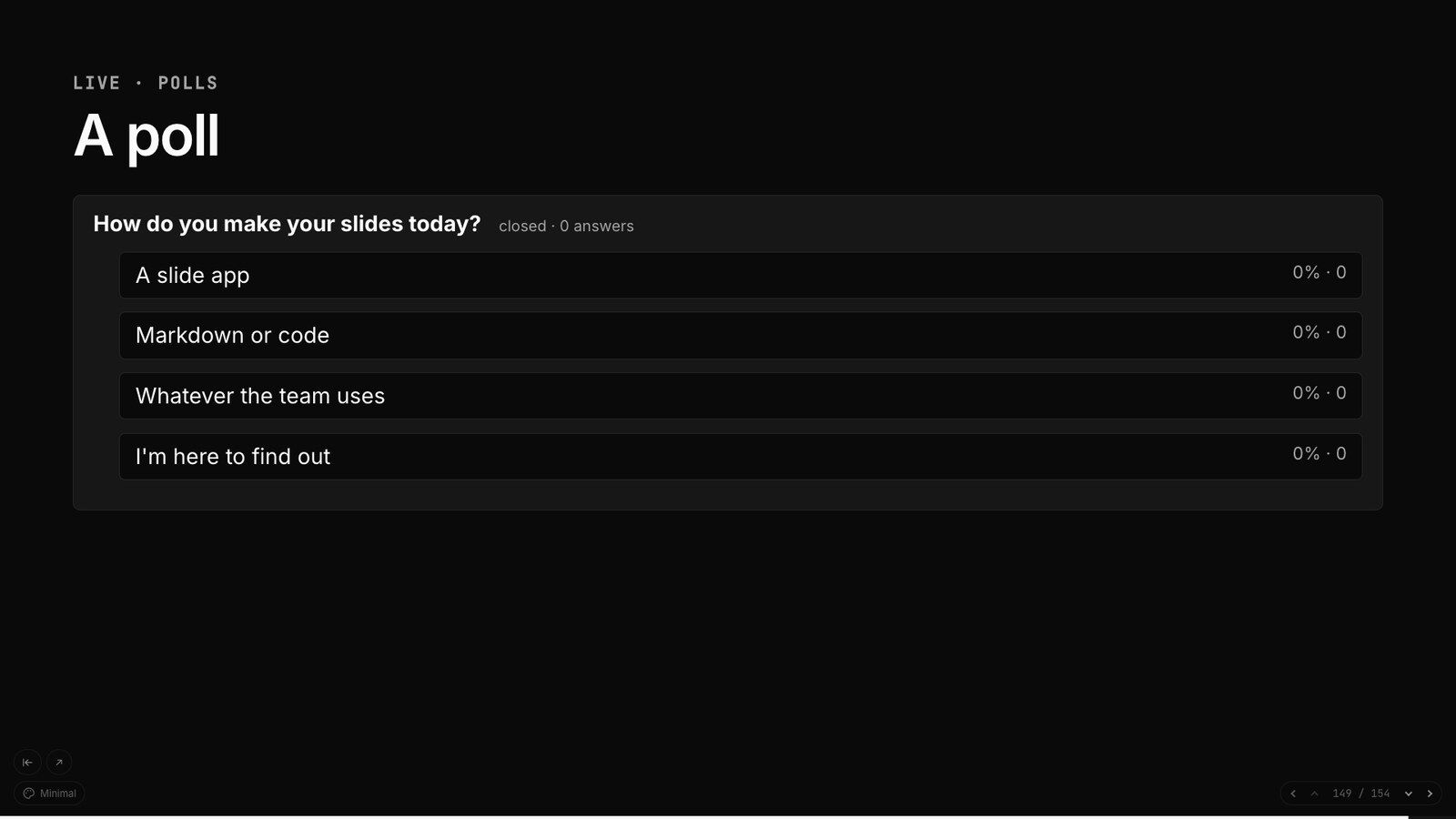
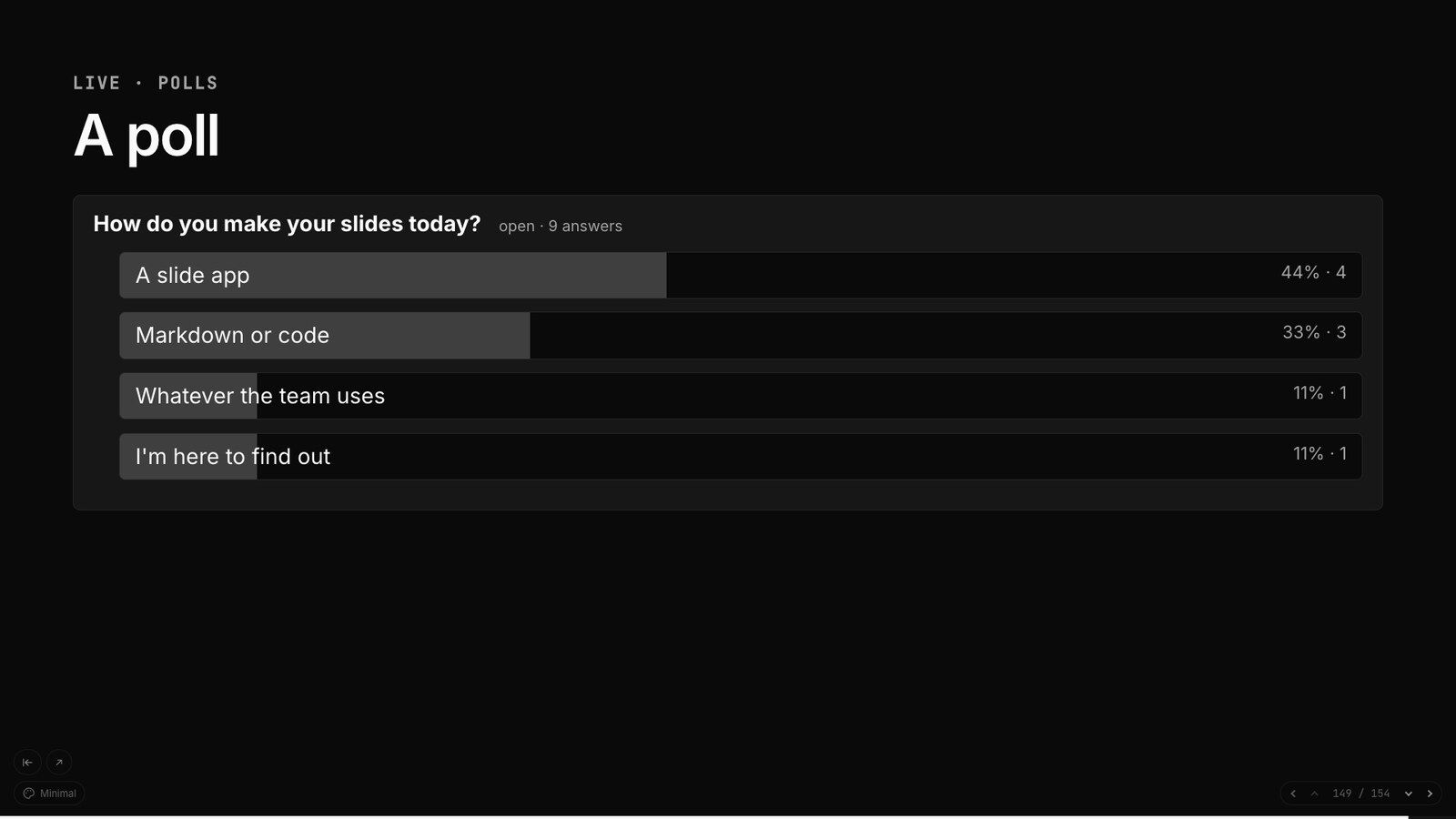
Click 0 A slide is Markdown and components; the poll waits, closed, until you open it from the presenter view.
In the builder, double-click a heading, a point or a table cell in the preview and retype it. The change lands in the source as if you had typed it there.
HowEmoji, icons, stickers, shapes, free photos with their credits, GIFs and memes. Search once, drop it on the slide, drag it where it belongs.
HowOne deck.mdx in git. The VS Code extension previews it as you type; a deck you publish from the CLI opens in the builder for a quick edit, and kadal-deck pull brings the edit home.
Howkadal-deck check and the Prettier plugin, in your editor or in CI, catch a broken slide long before you're on stage. Every command can answer in JSON.
HowHighlighted when the deck is built. {2|4-7|all} walks the lines a click at a time, and magic move morphs one version into the next.
Monaco with TypeScript's hovers and errors, types for imported packages included, and diffs side by side.
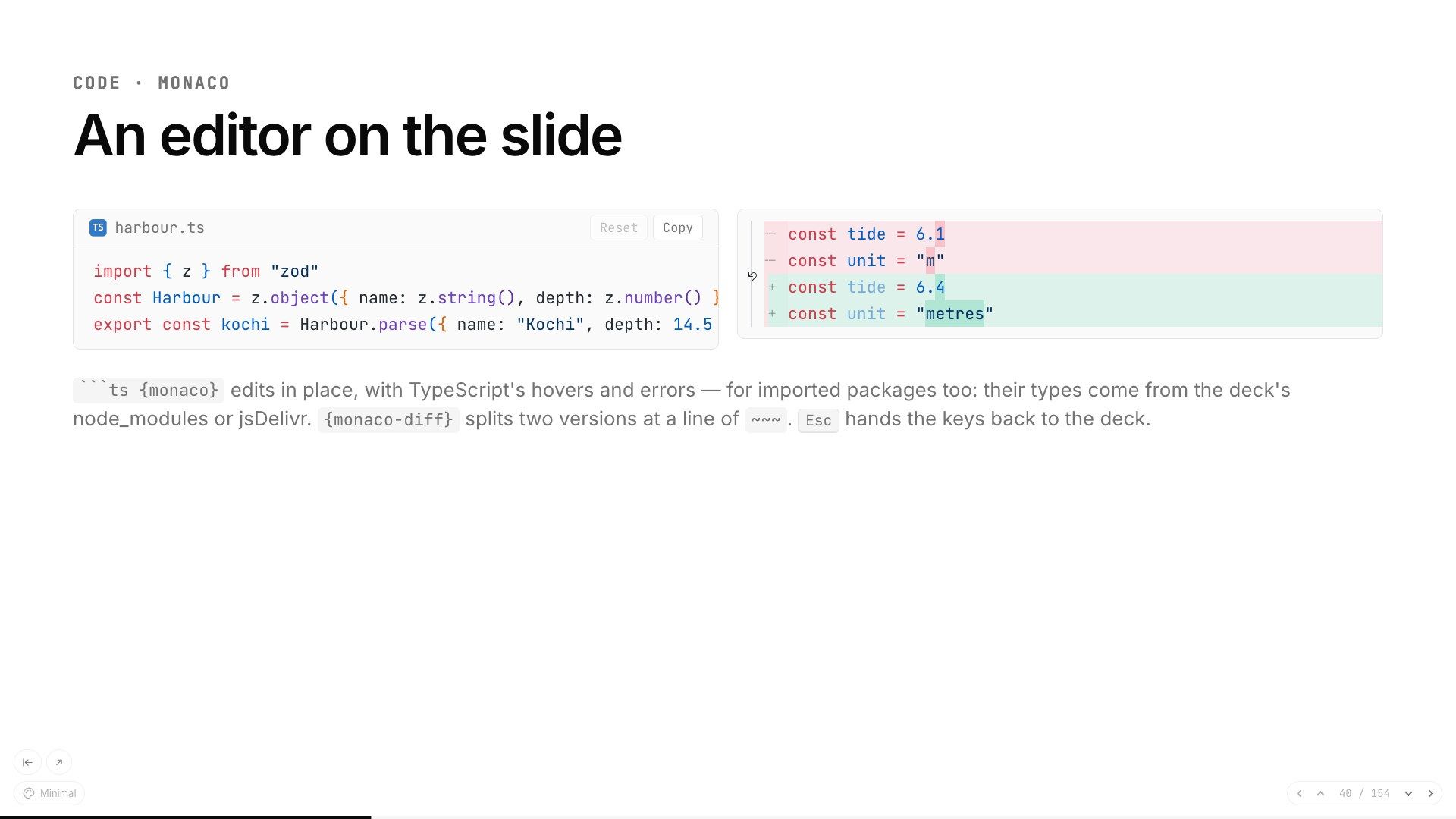
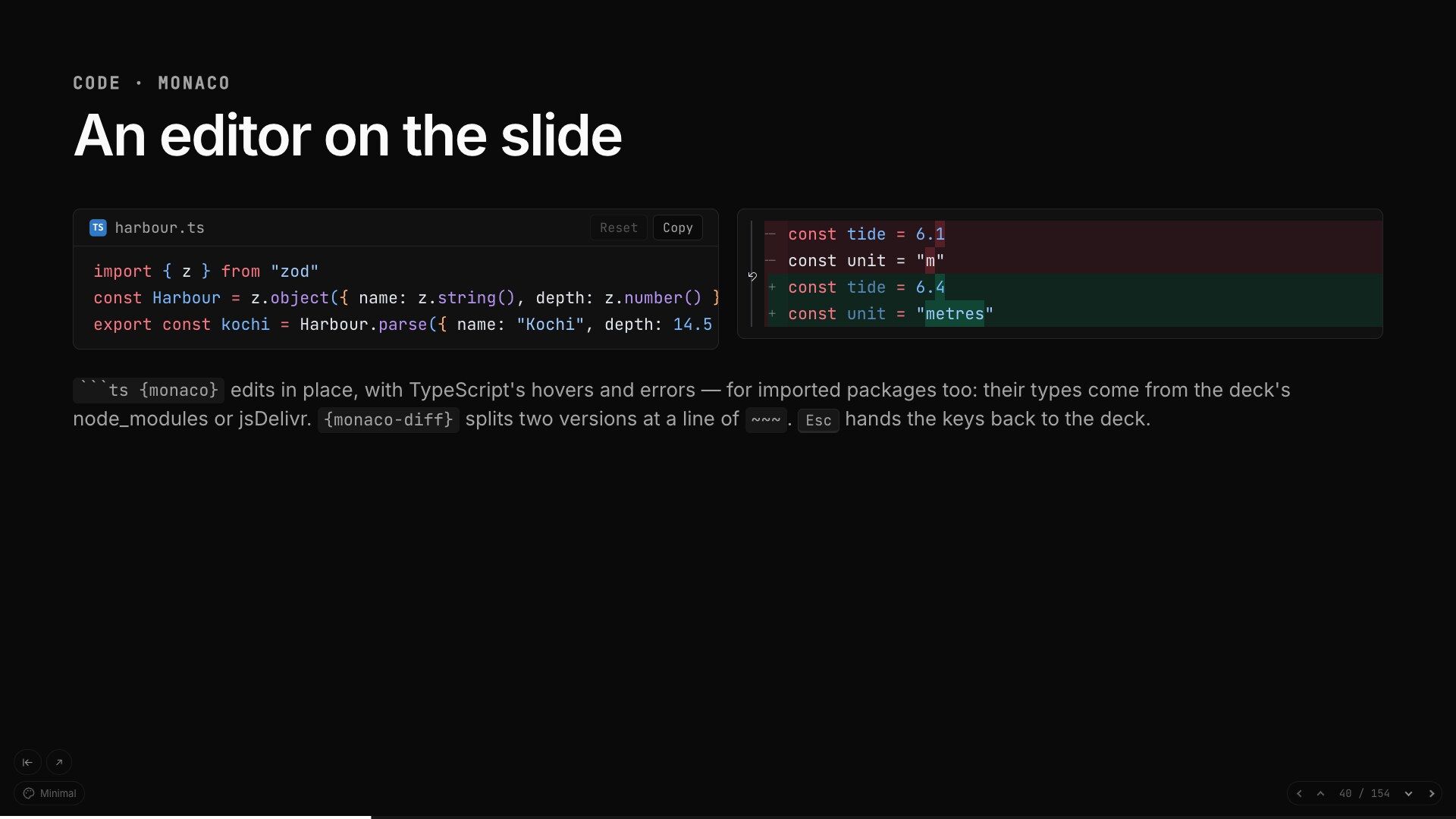
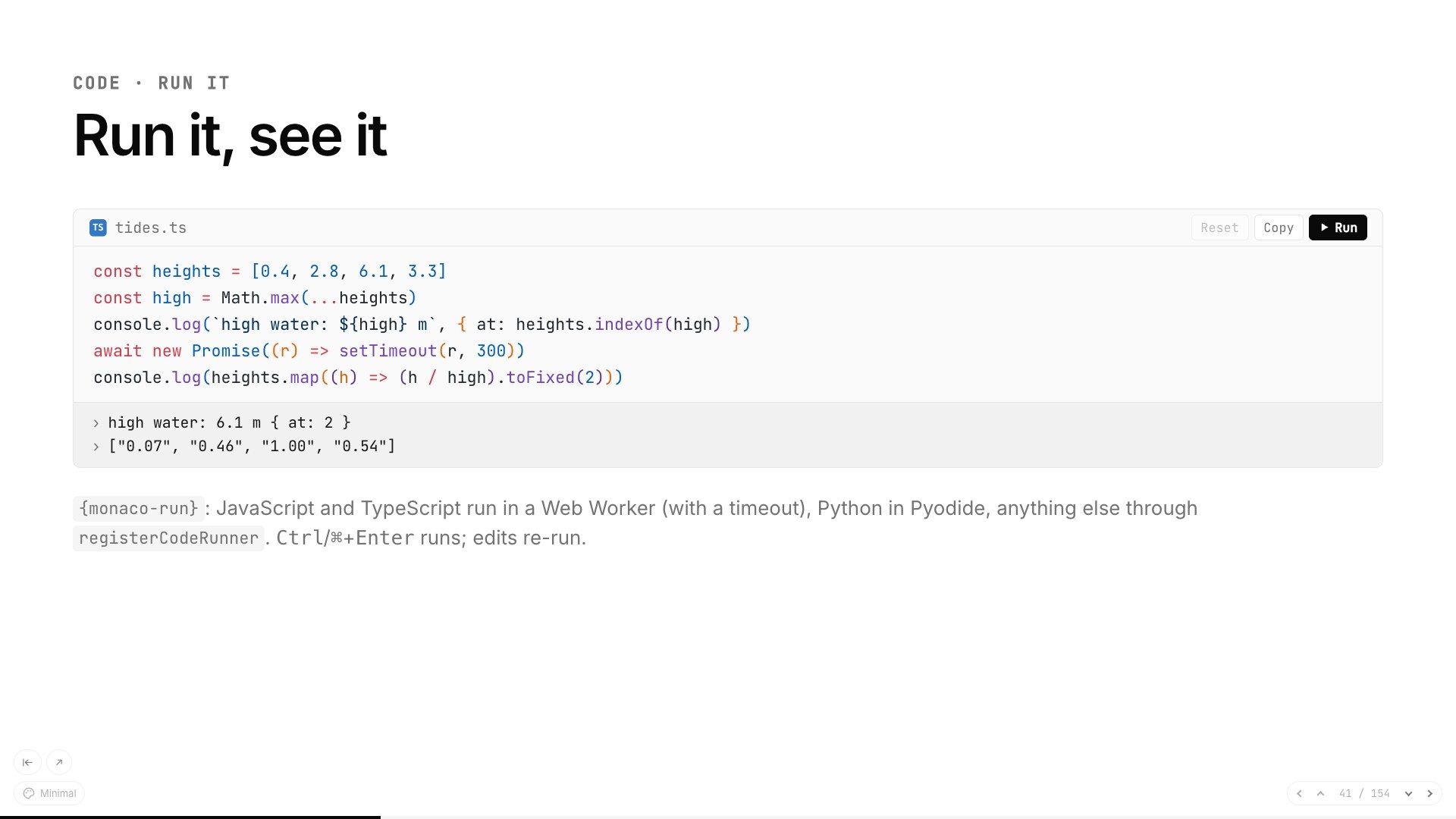
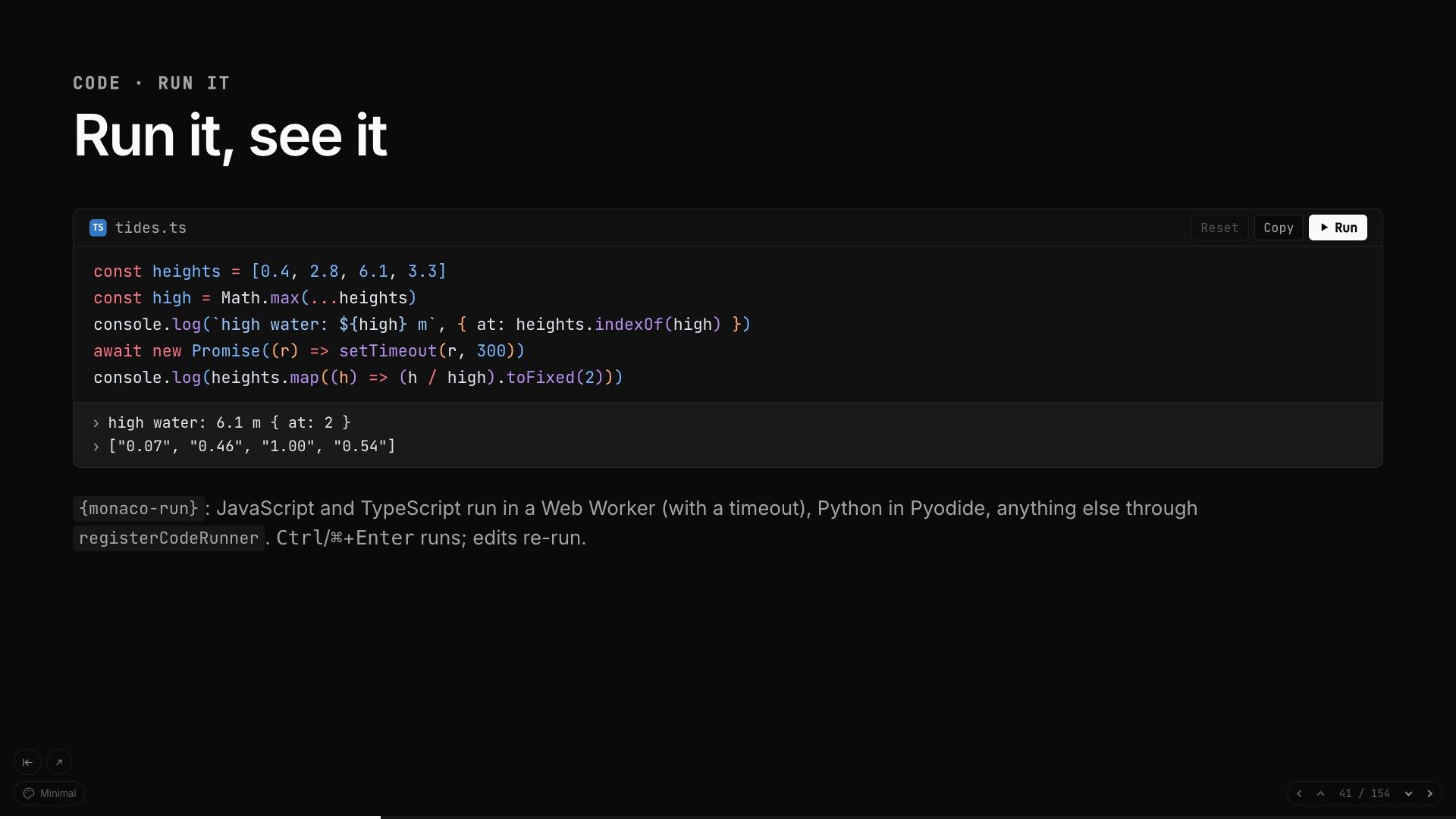
A Run button: JavaScript and TypeScript in a Web Worker with a timeout, Python with Pyodide, the output under the code.
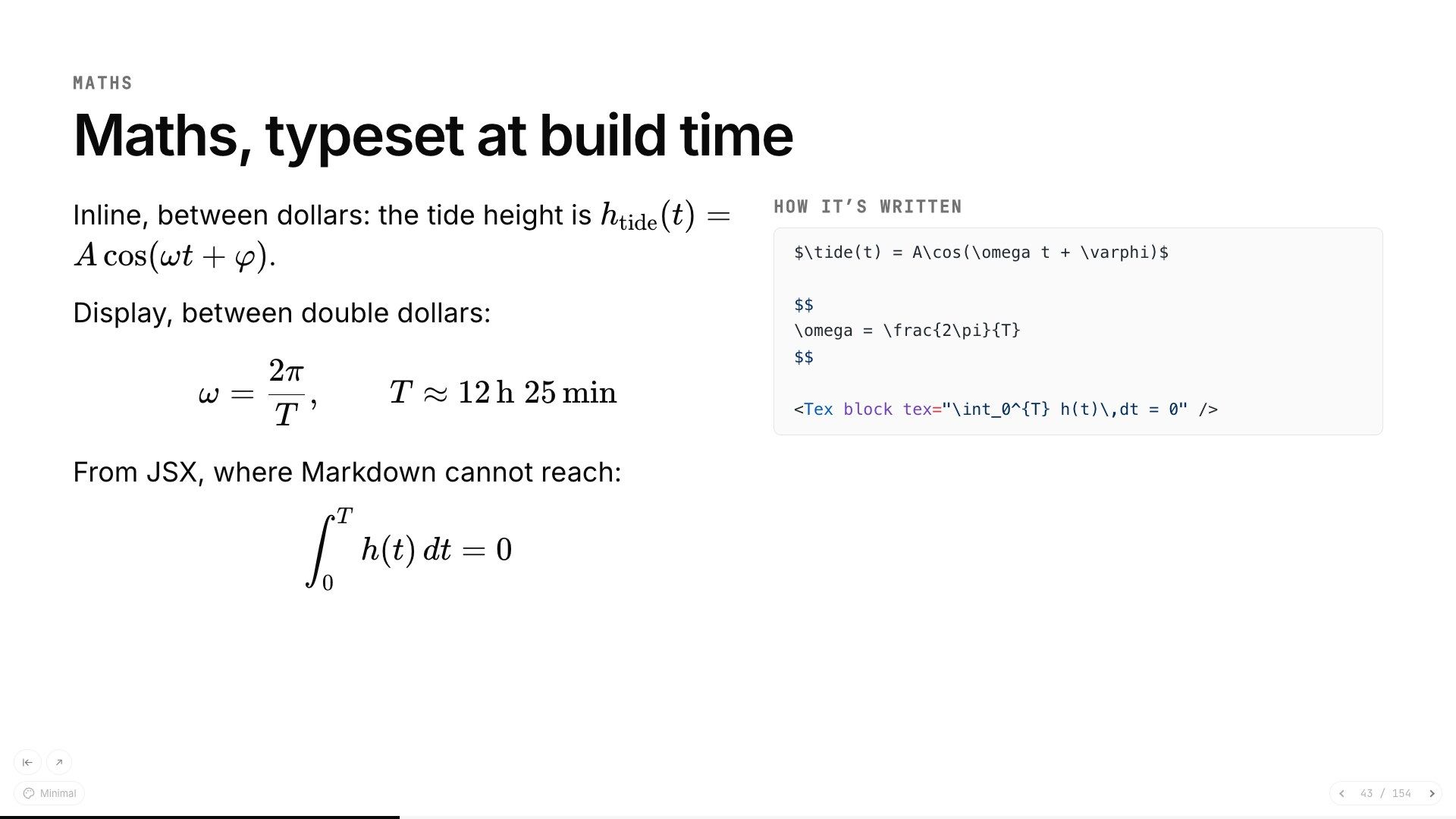
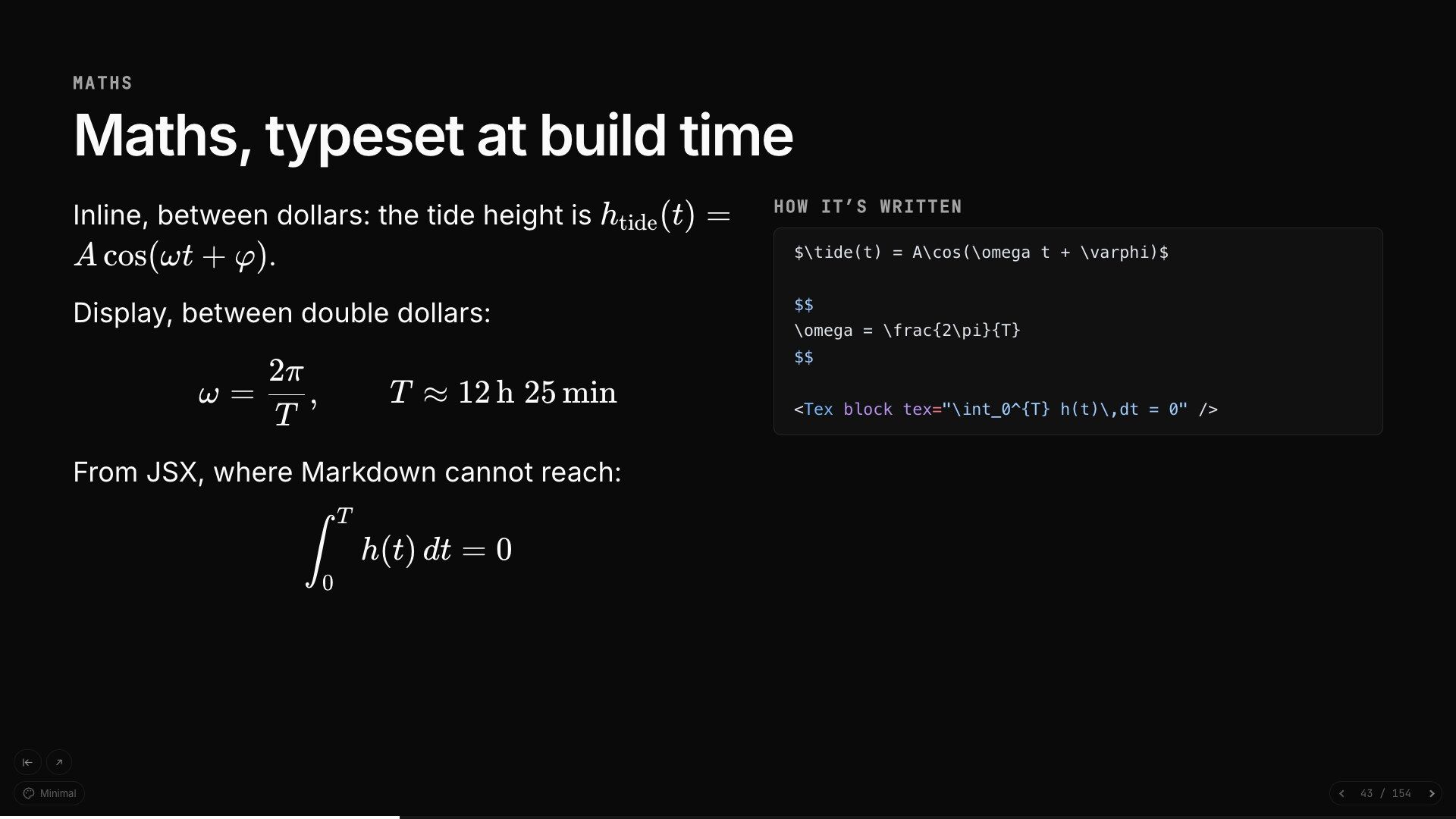
KaTeX, typeset when the deck is built, so a phone in the audience has nothing to render.
Mermaid flowcharts and sequence diagrams, drawn in the deck's colours and redrawn for dark mode.
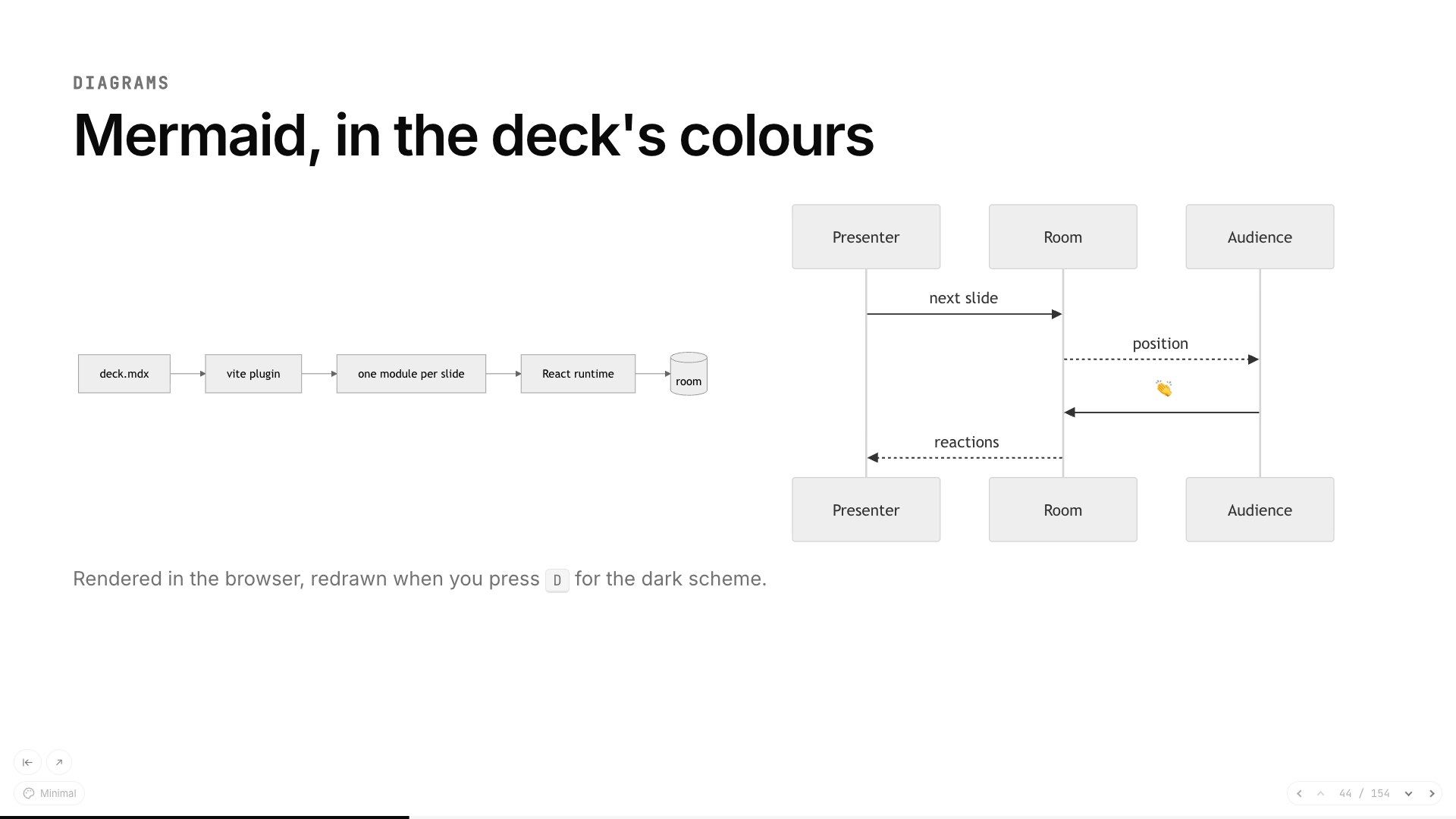
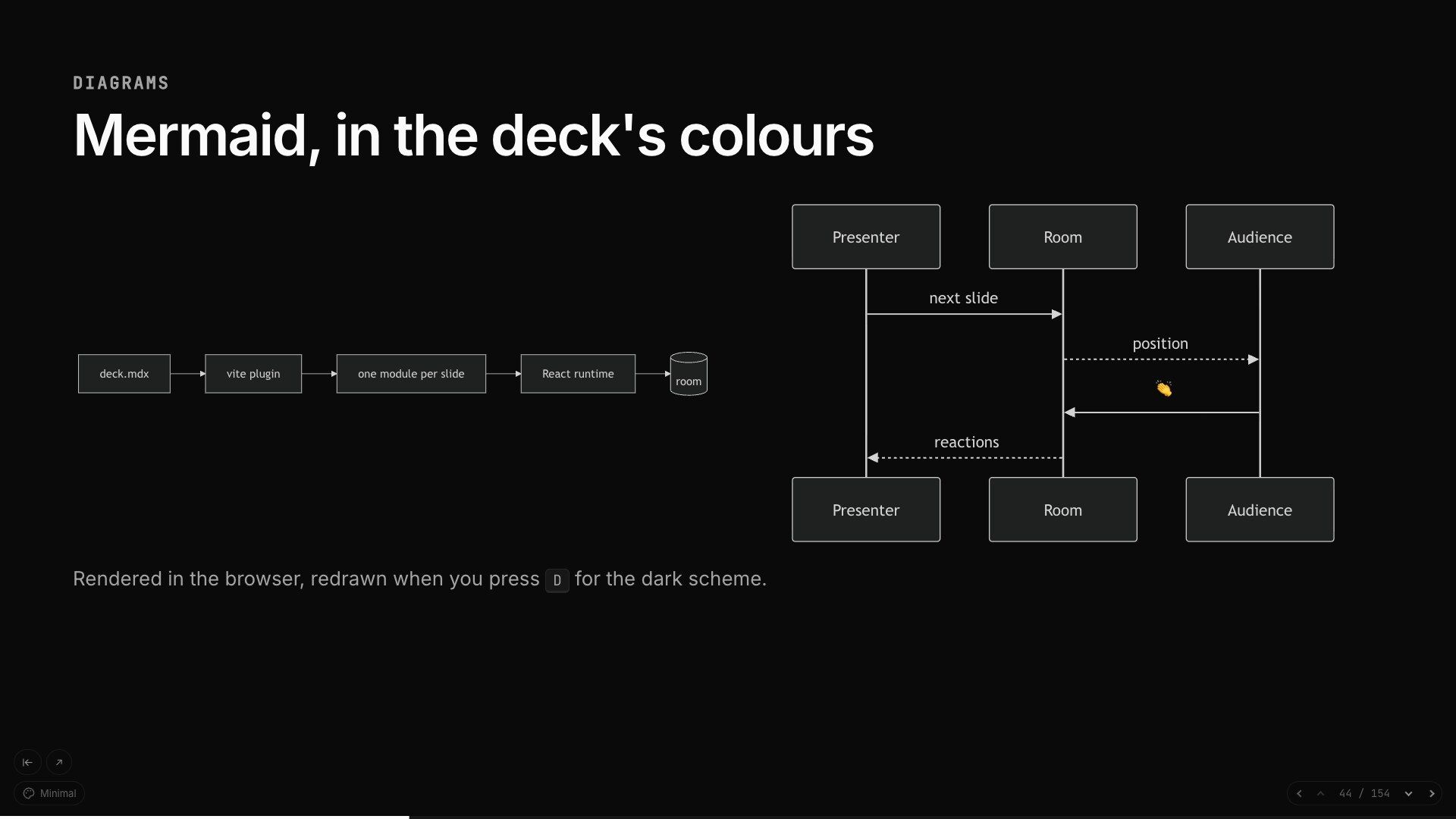
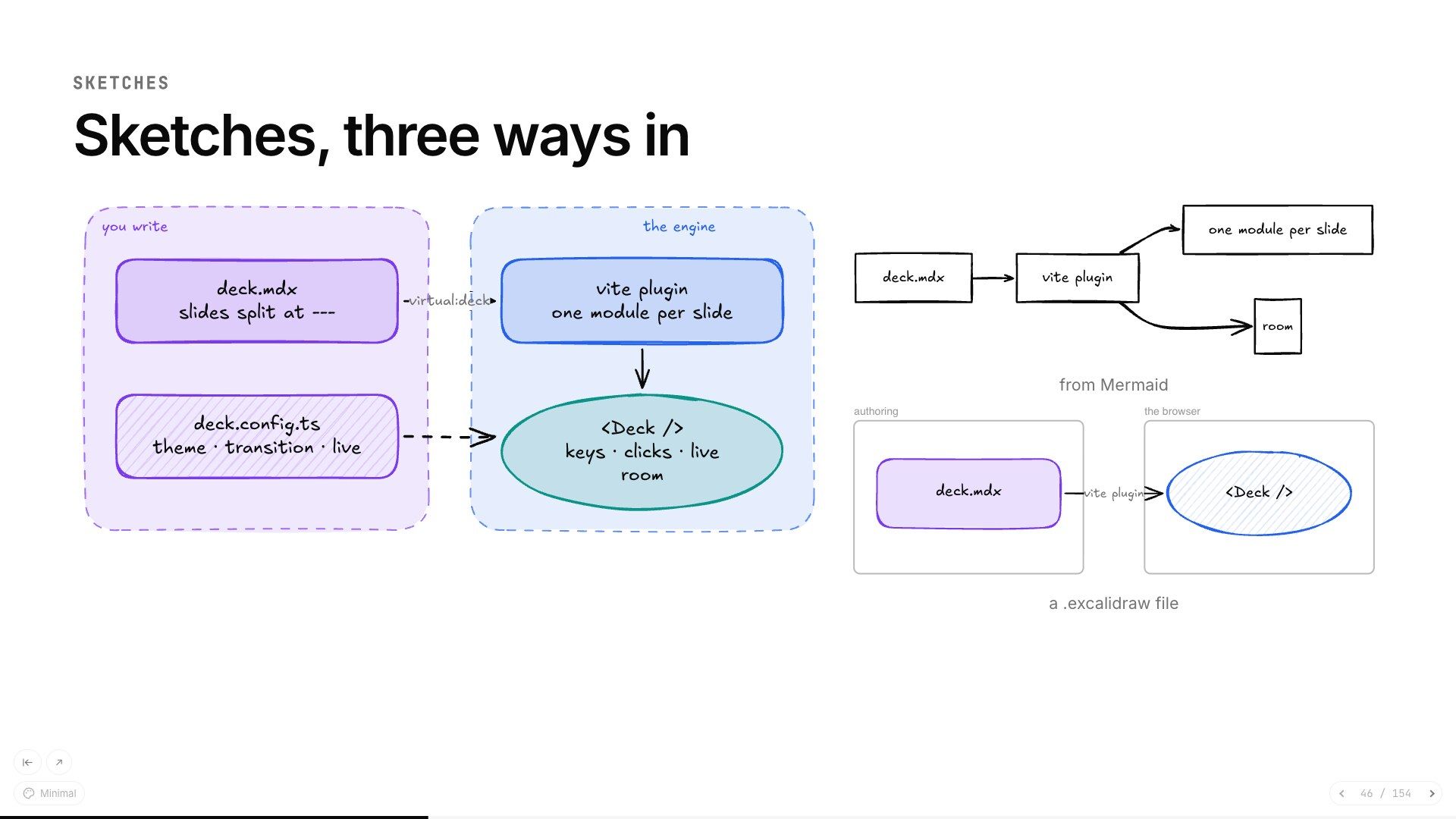
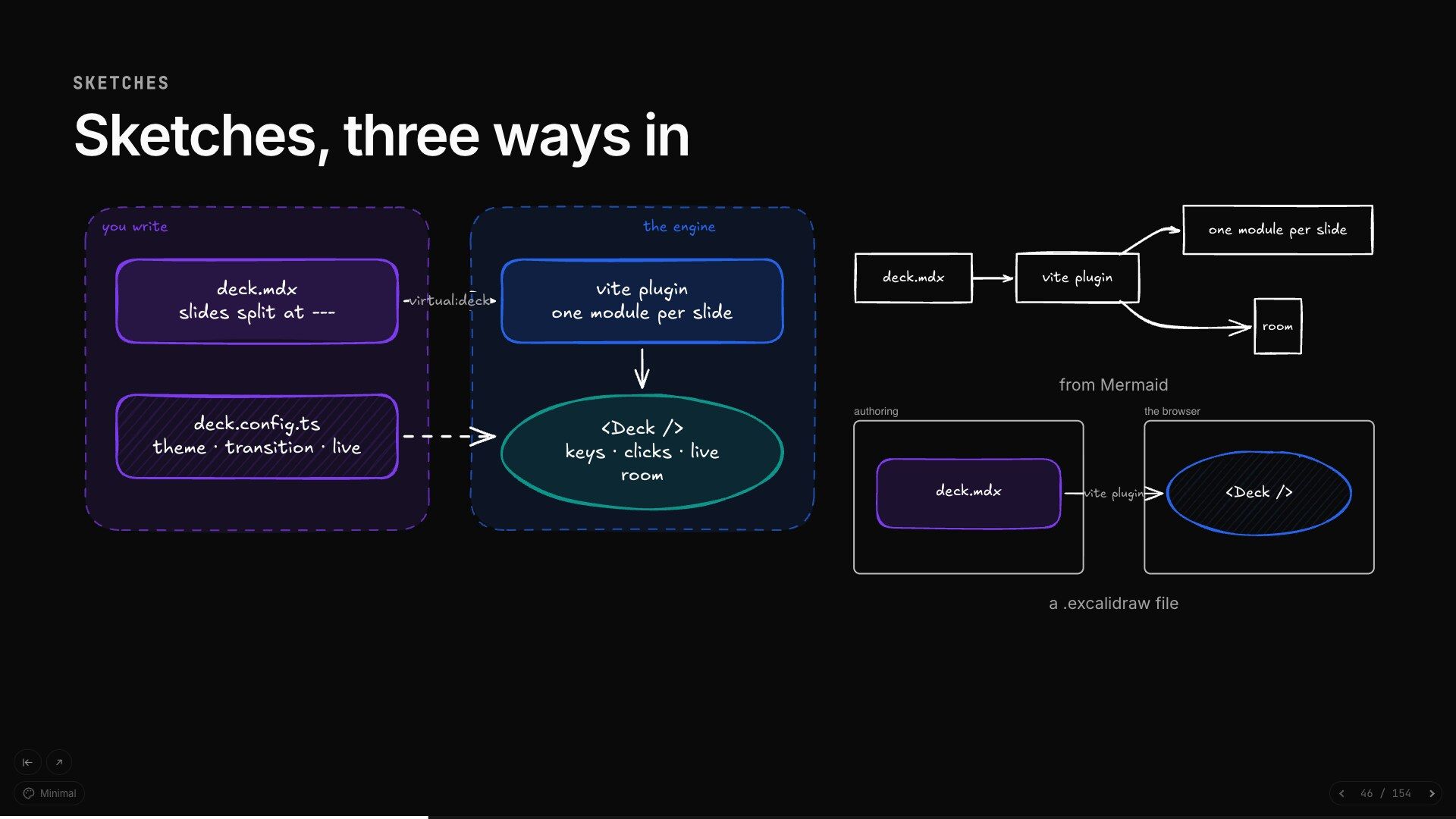
Excalidraw drawings written in code, converted from Mermaid or loaded from a file, toured one region per click.
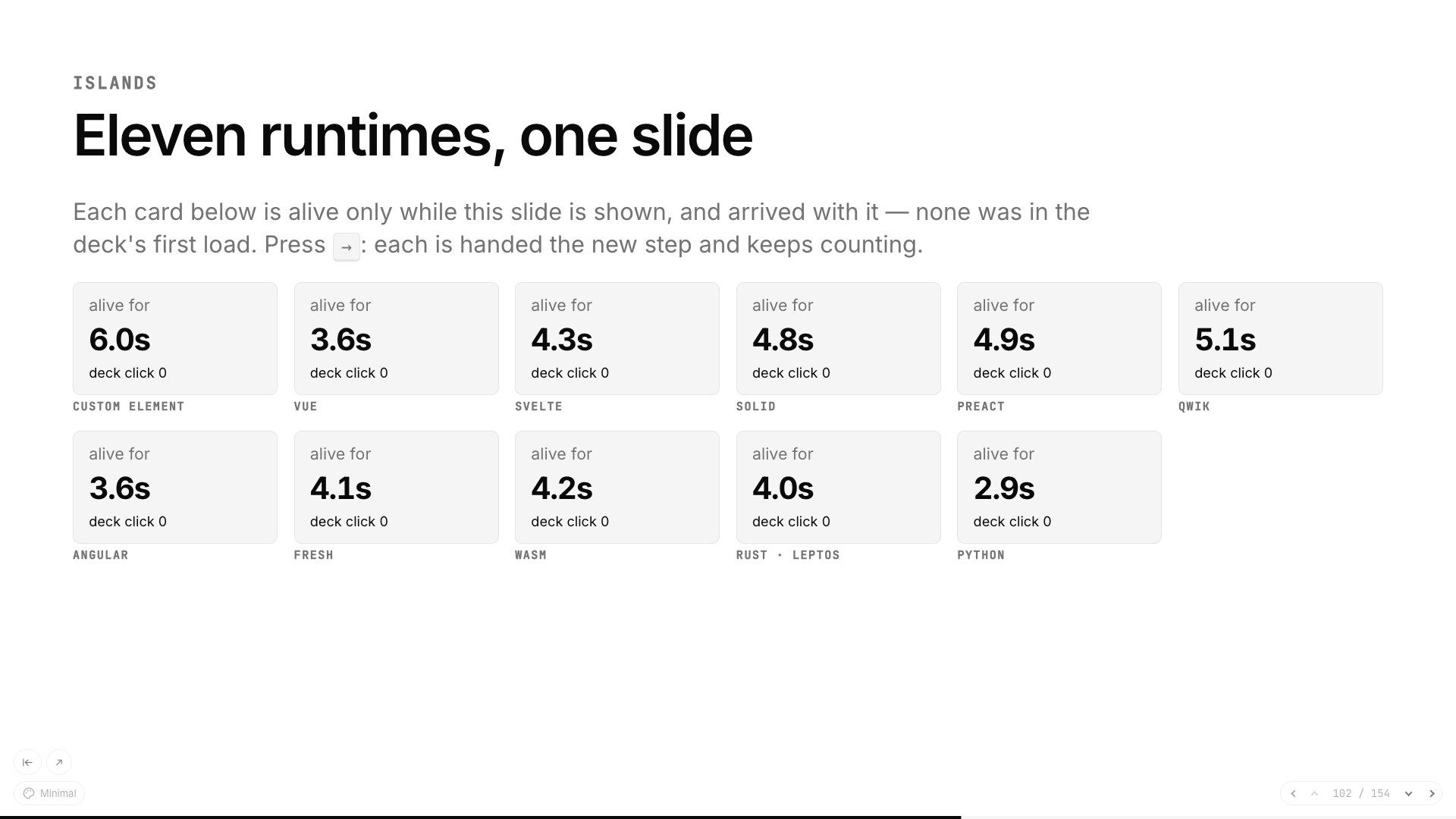
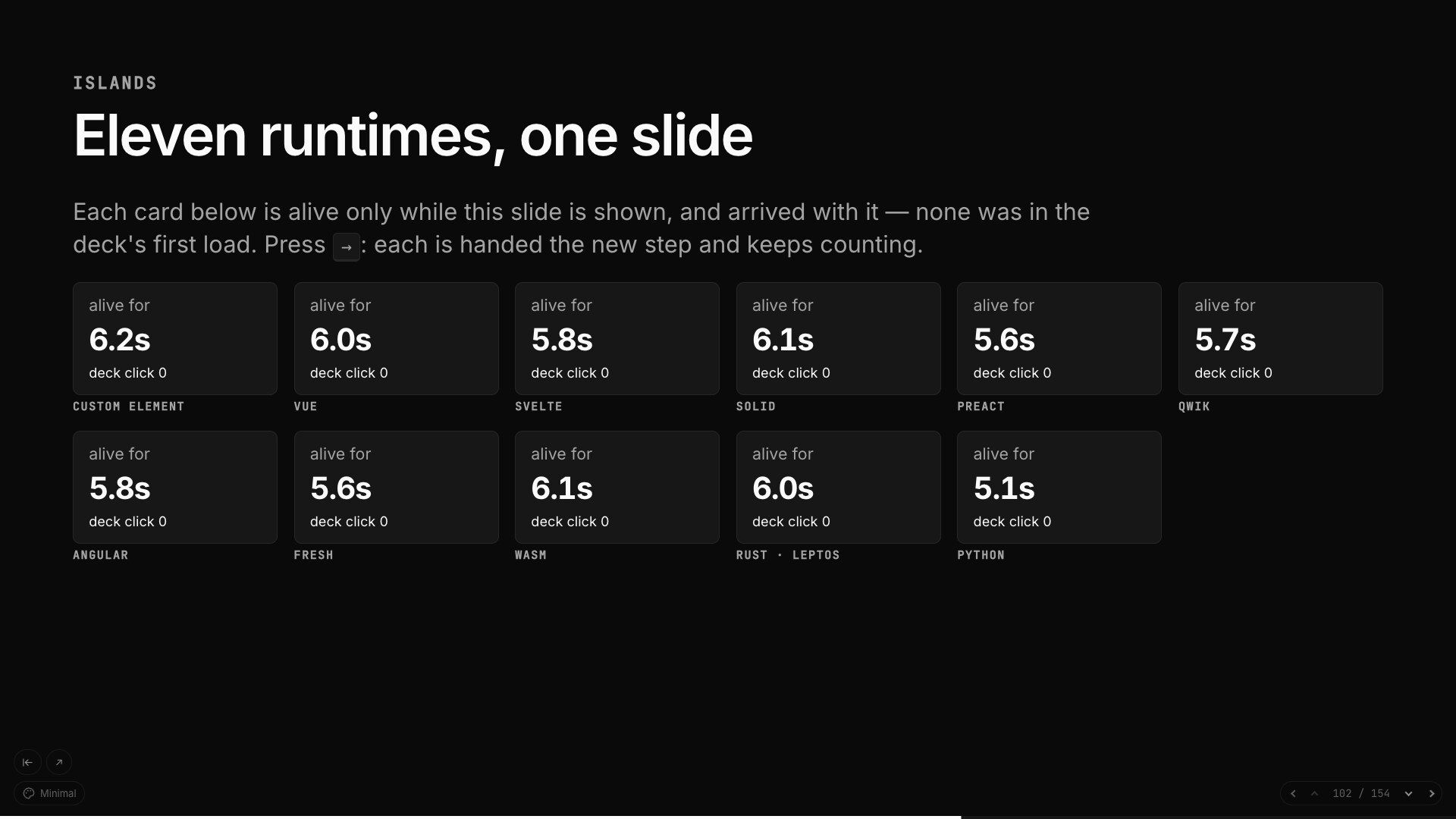
A slide is HTML, so nothing about it needs React. Bring a component from any of these as an island; its runtime loads when its slide arrives. The tour runs all 11 on one slide.
01 Build it · the look
One line of frontmatter switches a whole deck, and T switches it while you present. Three are built in, eight are Kadal's own, and five are ports of well-loved open-source themes.
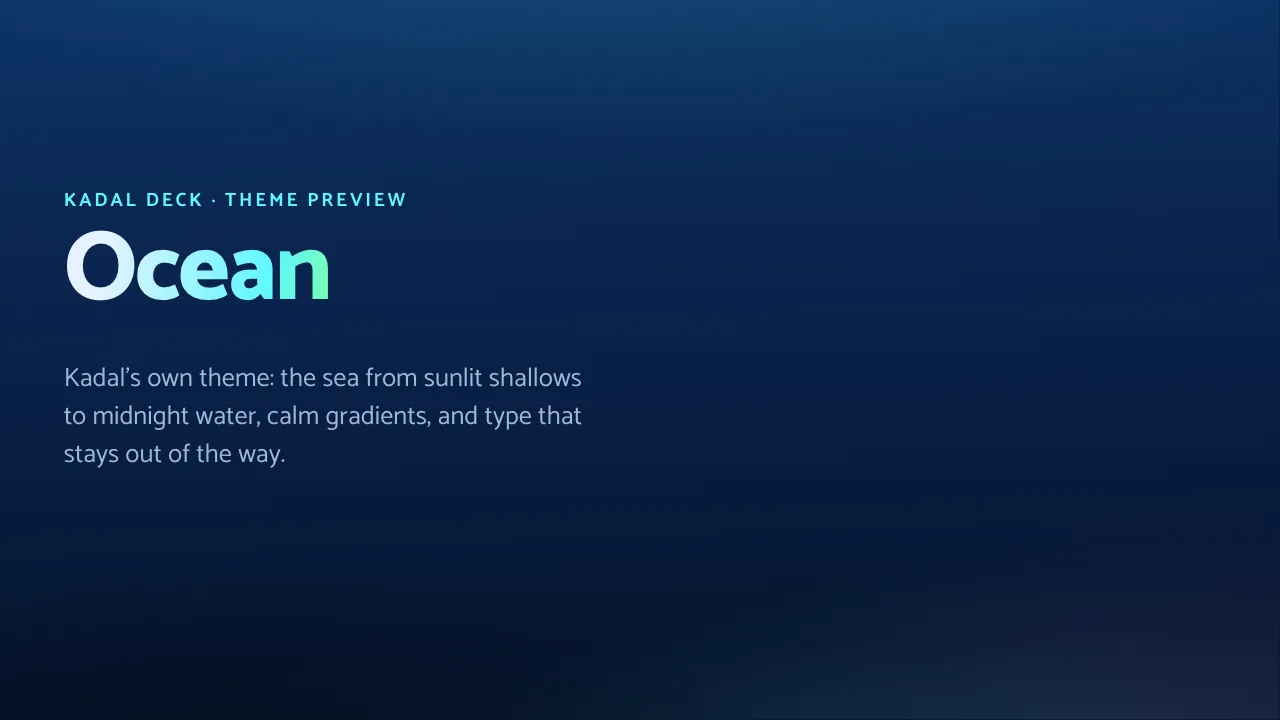 Ocean Kadal original
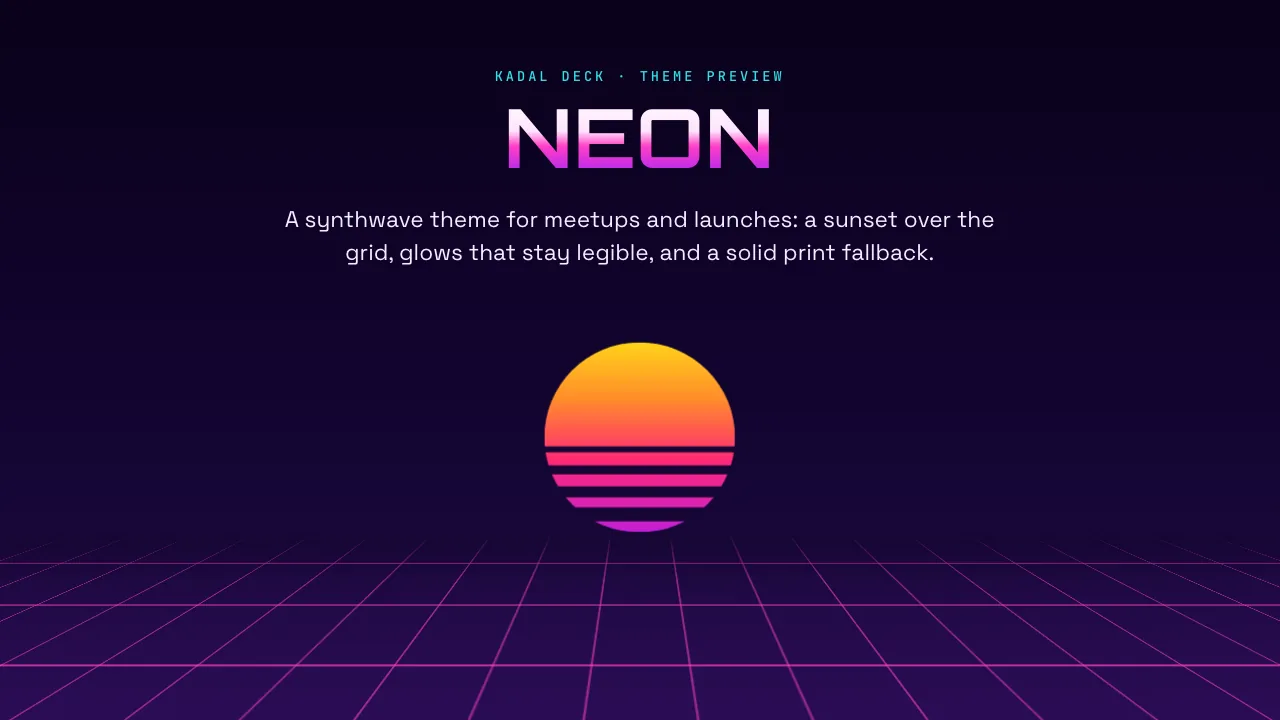 Neon Kadal original
 Folio Kadal original
 Brand Kadal original
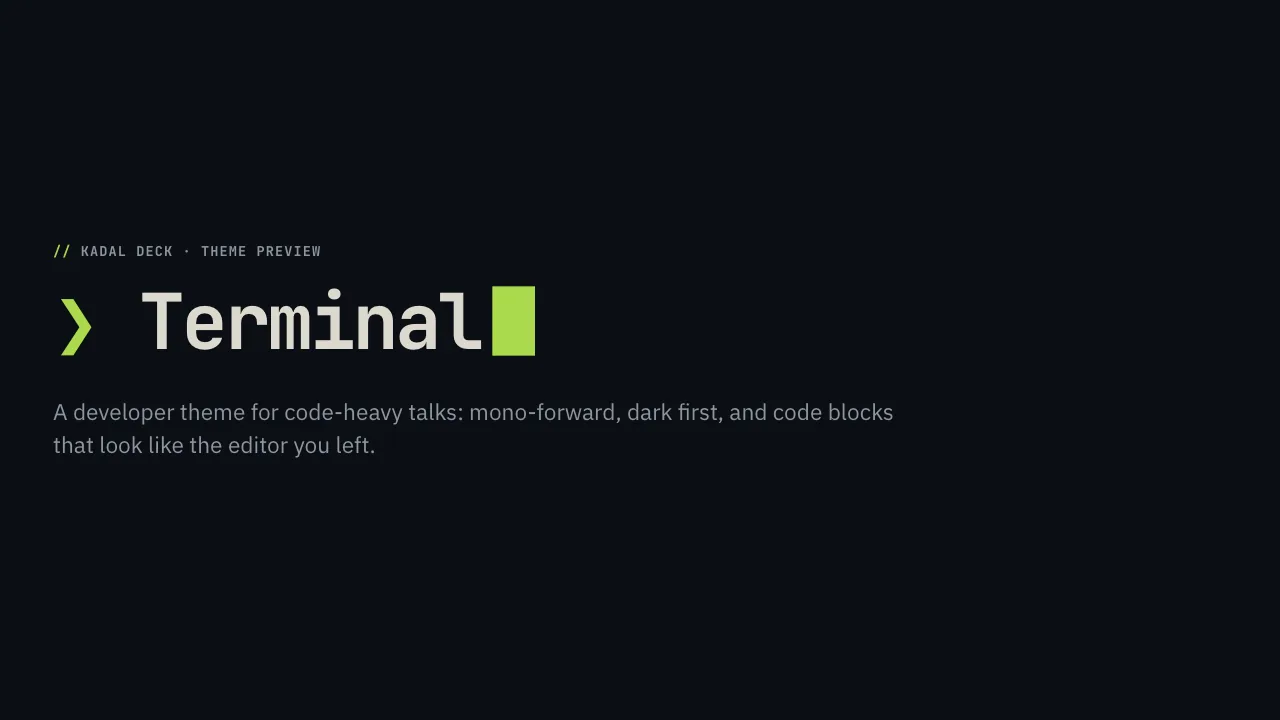 Terminal Kadal original
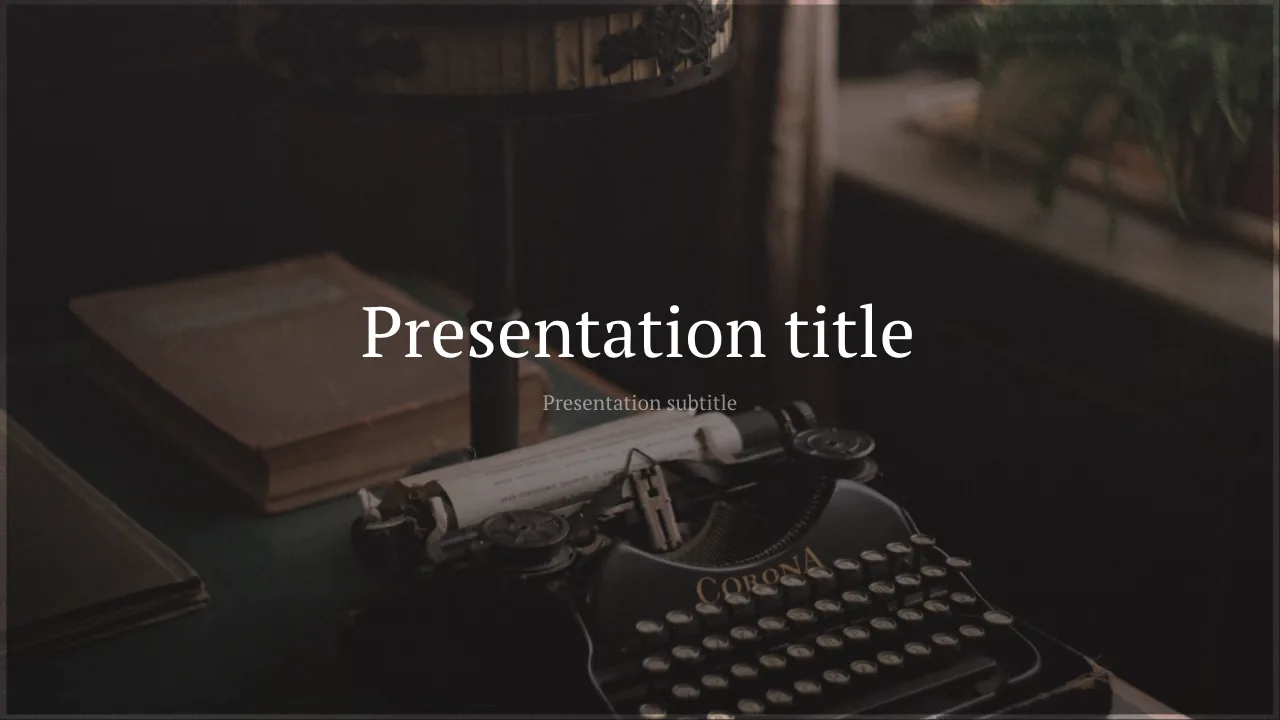 Seriph Community port
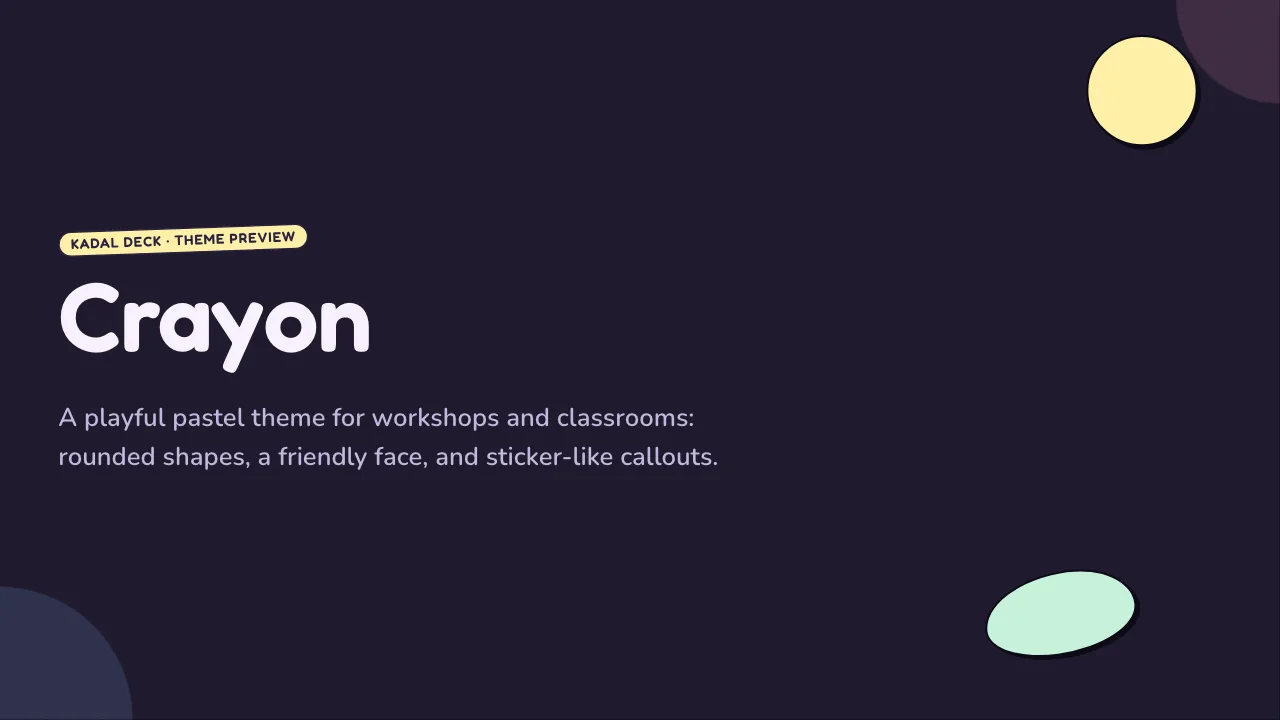 Crayon Kadal original
 Swiss Kadal original
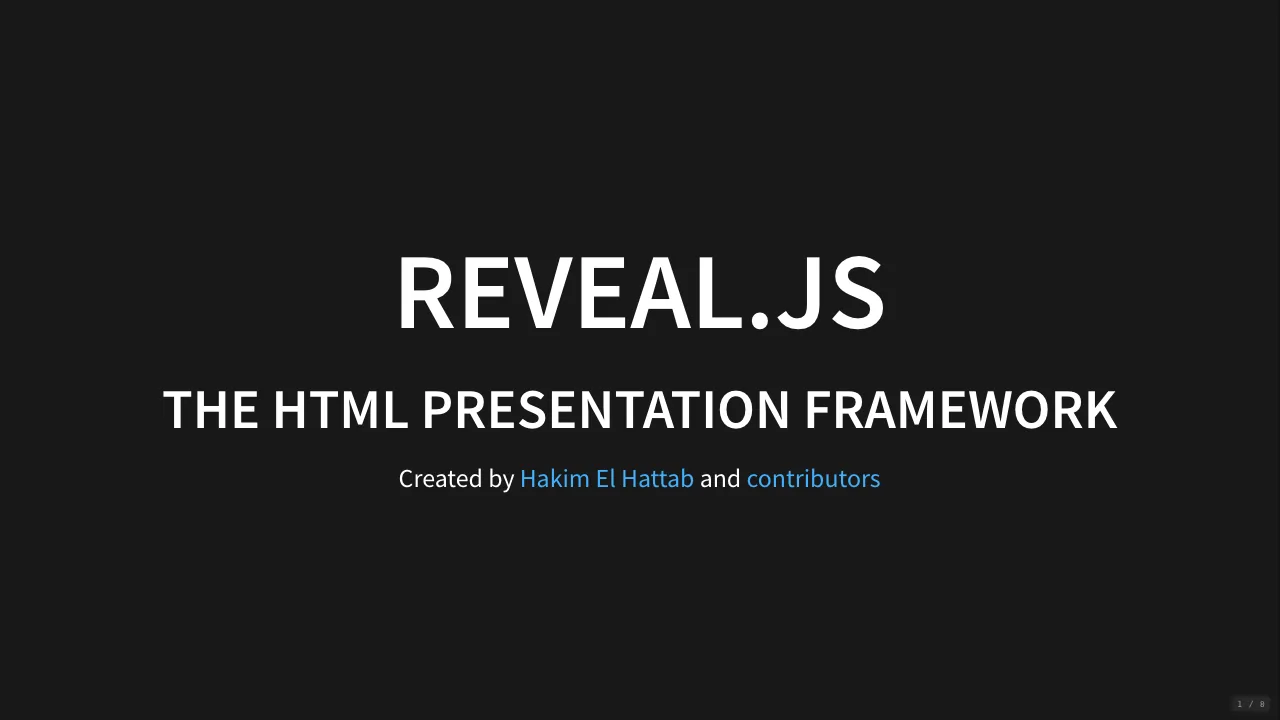 Reveal reveal.js port
 Classic Community port
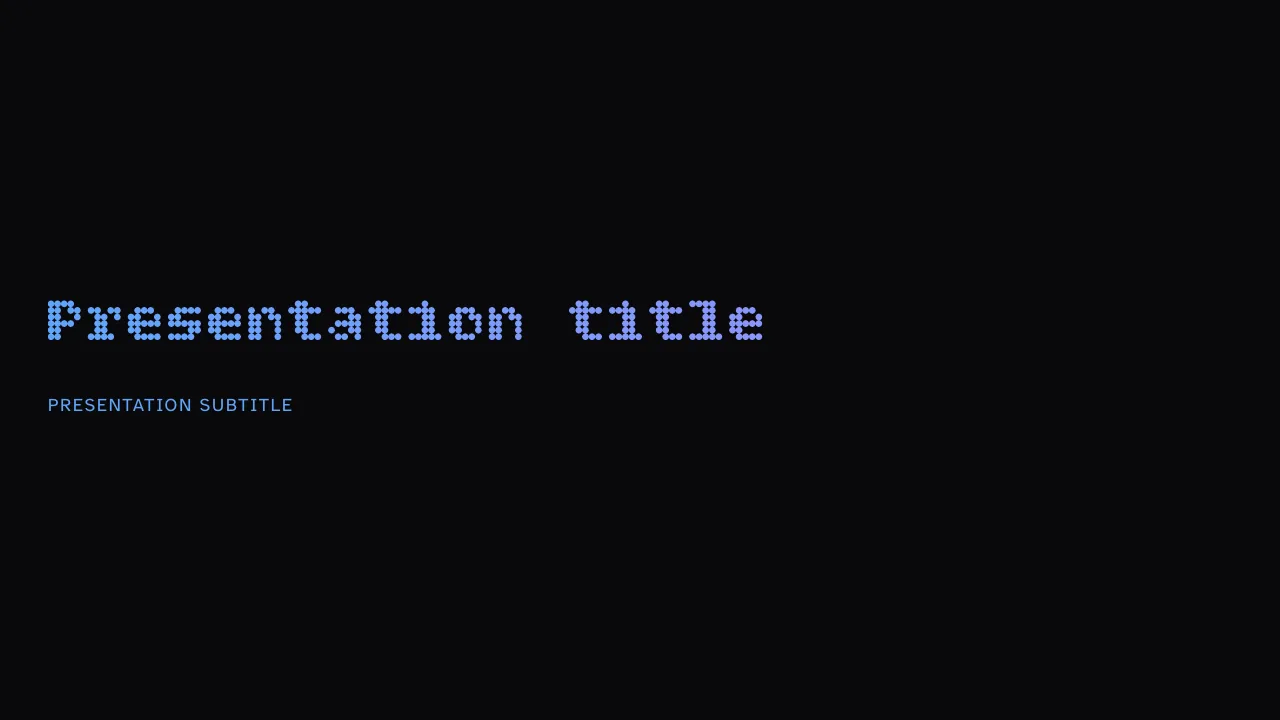 RLA Built in
 Lecture Kadal original
 Bricks Community port
 Stack Built in
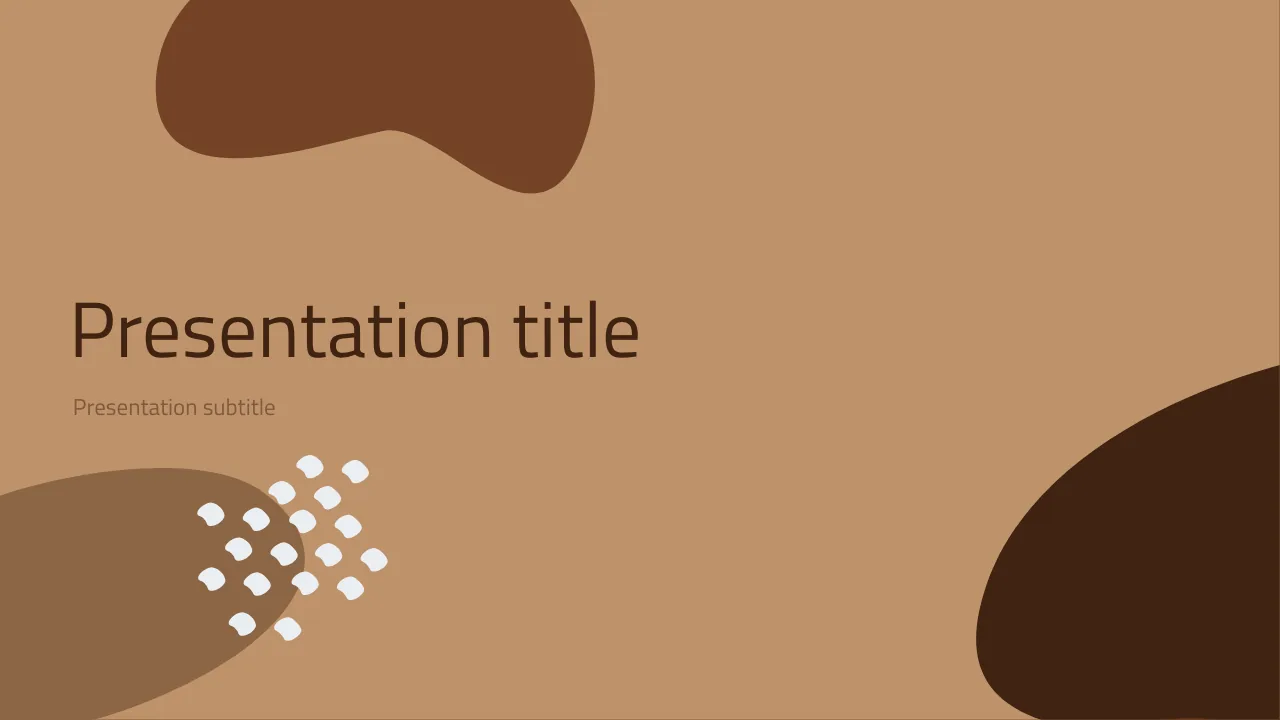 Shibainu Community port
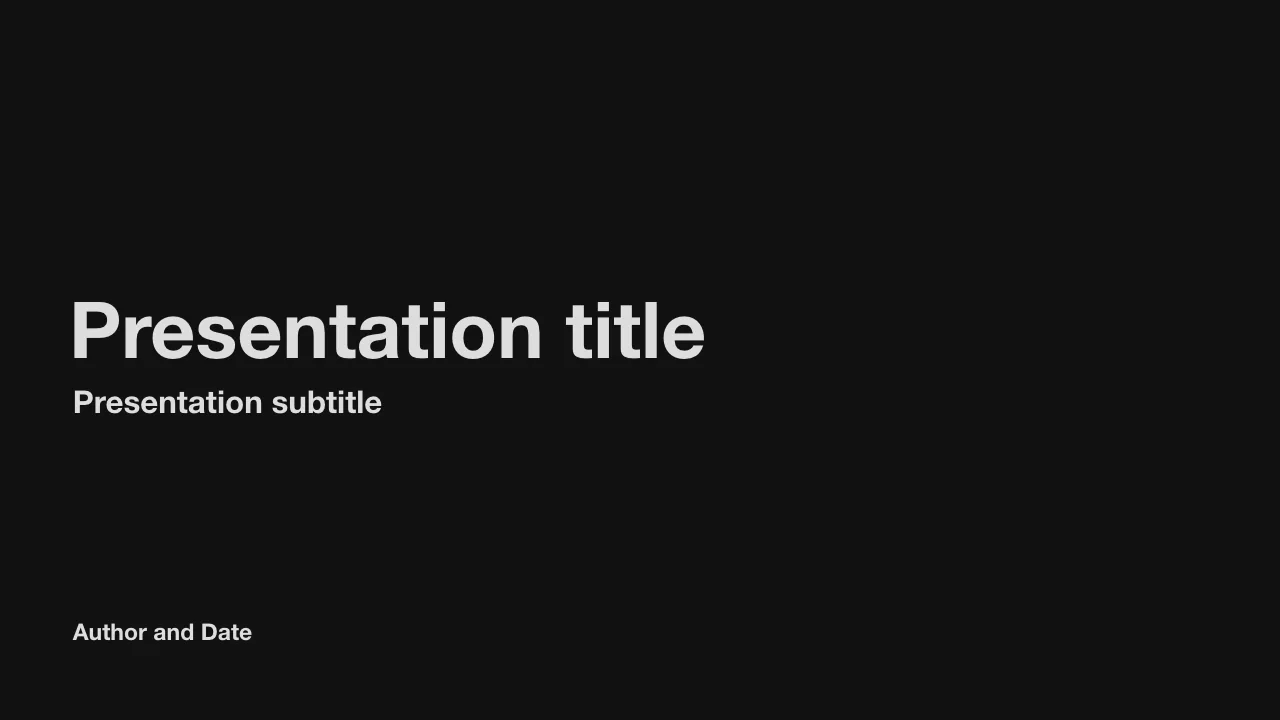 Crisp Community port
 Minimal Built in
01 Build it · the Pro library
Covers, agendas, KPI boards and pull quotes; confetti, synthwave grids, chalkboards and candlestick charts. 15
genres of art made to sit under real slides, in light and dark, each one line of MDX:
background: pro/neon-drift. Hover one to see it move.

 Corporate 6 items

 Startup pitch 14 items

 Education 6 items

 Science 9 items

 Developer 7 items

 Creative 22 items

 Celebration 6 items

 Kids 6 items

 Finance 6 items

 Health 6 items
 Gaming 7 items

 Nature 7 items

 Editorial 15 items

 Retro 6 items

 Minimal 9 items
Pro
On Pro and Team, on deck.kadal.cc hosting and in the hosted builder. Off our hosting, a pro/ name falls back
to the theme's own background, so the deck still works.
The open-source engine has its own: aurora, gradient mesh, waves, glows, contours, a turning globe and more. Each is
background: name, pauses off screen and holds still for anyone who asked for less motion.


aurora 

gradient-mesh 

waves 

glows 

topo 

globe 02 Rehearse it
The talk you give is the one you rehearsed. Let the deck read your notes back to you, give every slide its time, and find the long parts before the day does.
How rehearsal worksThe deck reads your notes aloud, step by step, and turns its own pages, so you hear how long the talk really runs. In your browser's voice, or Kokoro, an AI voice that runs right in the browser.
Read moreGive each slide its time. The timer's bar marks this slide's slot in the plan, and a badge says how far ahead or behind you are, so you find the long parts before the day does.
Read moreYour notes alone, big, on a screen of their own, following every click. Mirror them for a prompter's glass, or let them scroll by themselves.
Read moreList your terms once. The first mention on each slide links to a card with the definition, so neither you nor the room loses the thread.
Read moreSplit at each click, the part for this step marked, the next slide beside them. Rehearsing on your machine? Fix a line right in the presenter view and it's written back to your deck.
Read moreAsk the Copilot in the presenter view to quiz you on your notes, slide by slide, until the talk is yours.
Read more03 Present it
Your notes, your timer and the next slide in front of you, your phone in your hand as the clicker, and a copilot for the moment you lose your place. A built deck runs anywhere a browser does, and looks the same on all of them: every slide is laid out at 1920 × 1080 and scaled, never reflowed.
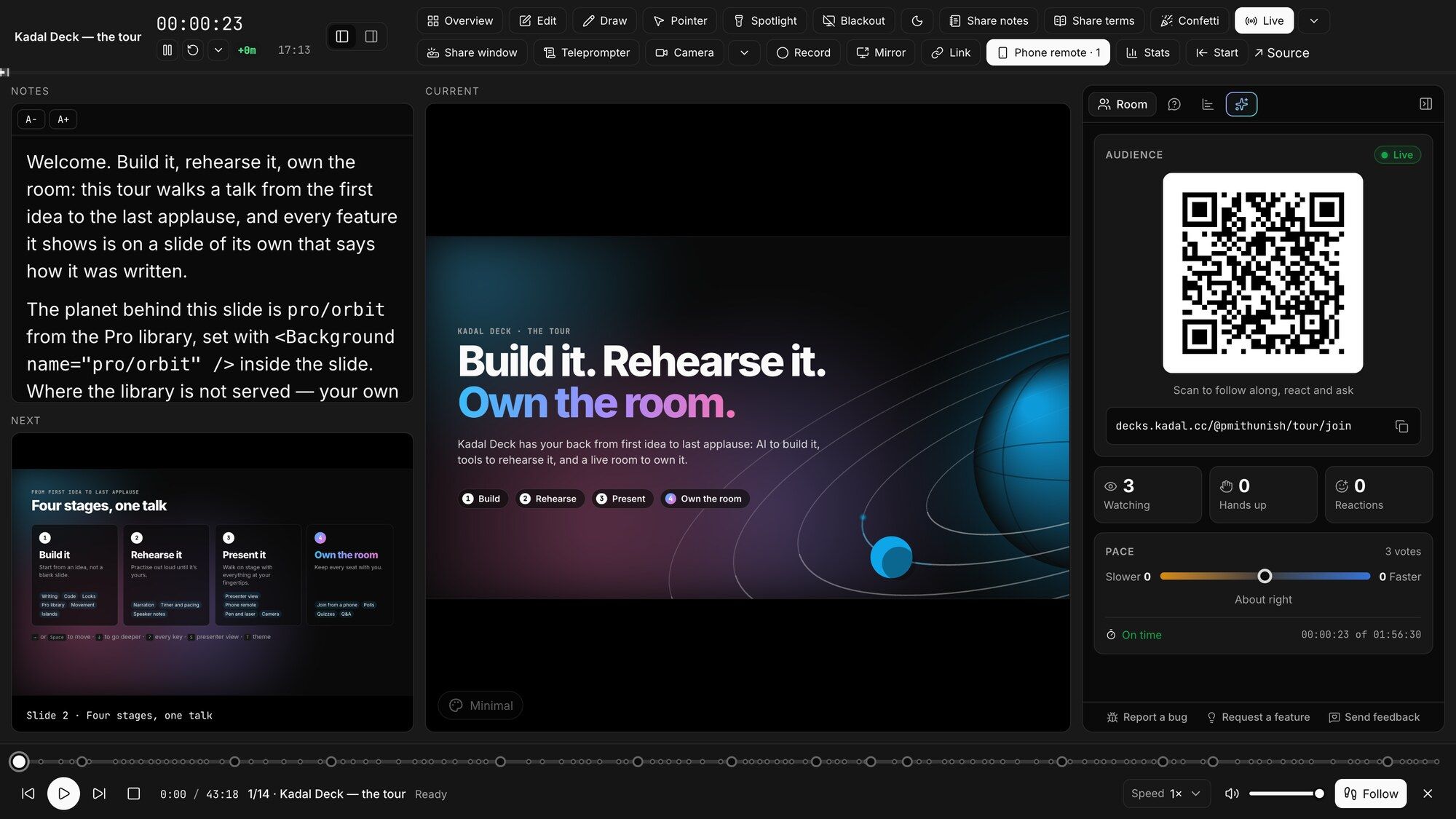
The current and next slide, your notes for this click, the timer and its pacing badge, and the room's questions ranked by votes.
Scan a code in the presenter view: a live copy of the slide, your notes and the timer, a pen, and a laser you aim by touch or by moving the phone.
Ask it in the presenter view to jump to the results slide, circle the total, black out the screen or tell you what's in your notes. On your own key.
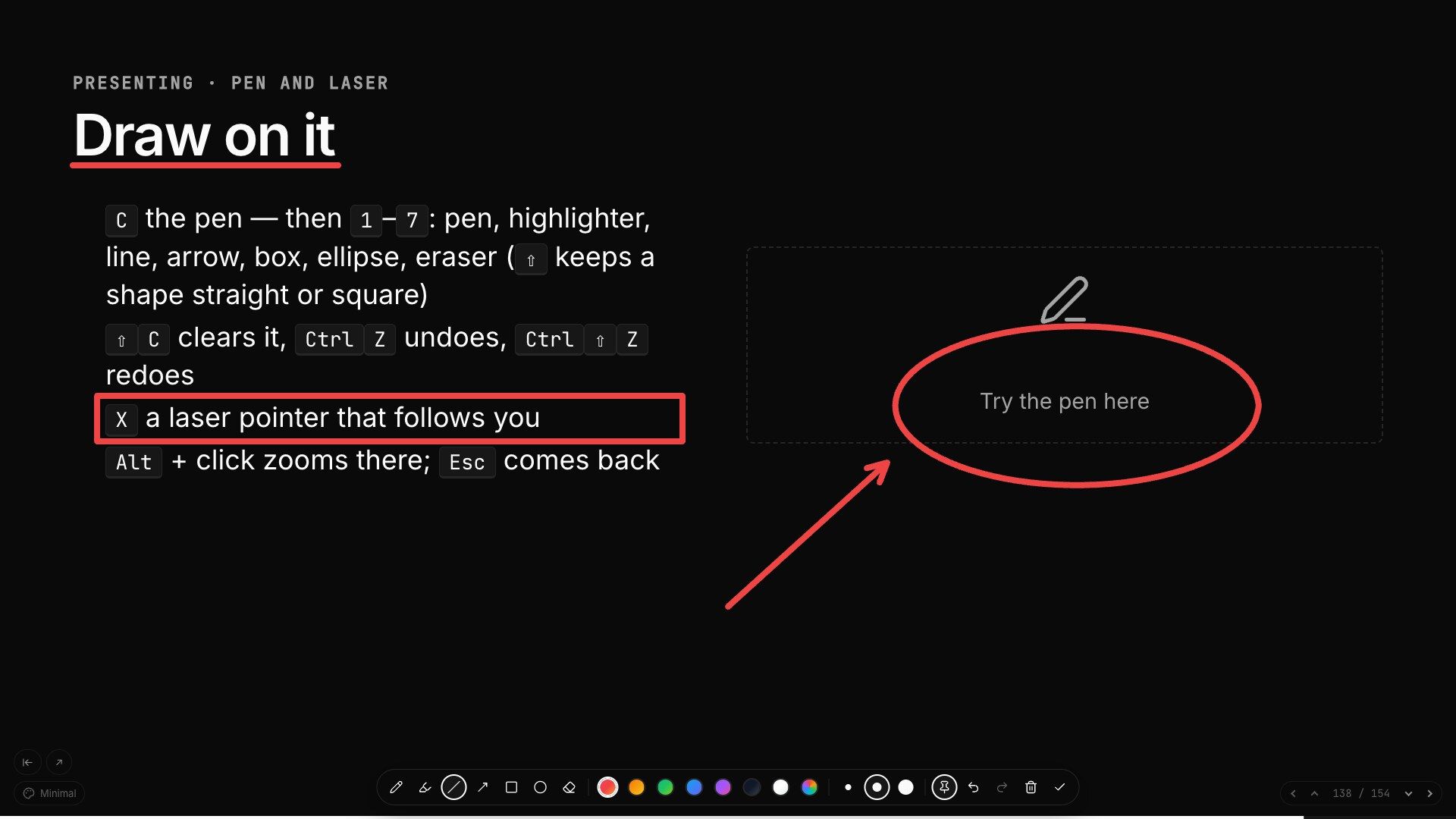
Laser, spotlight, pen and shapes, zoom into any point, and blackout. What you draw stays until you erase it, on every screen.
A share window without browser chrome, a projector mode that ignores stray input, your camera in a bubble, and a recorder.
A built deck runs with no network. Export to PDF with bookmarks, PNG, and PPTX as pictures or editable shapes, notes attached.
The phone remote works without the hosted service too: kadal-deck relay pairs your phone with a deck
on GitHub Pages, Netlify, S3 or any other static host.
04 Own the room
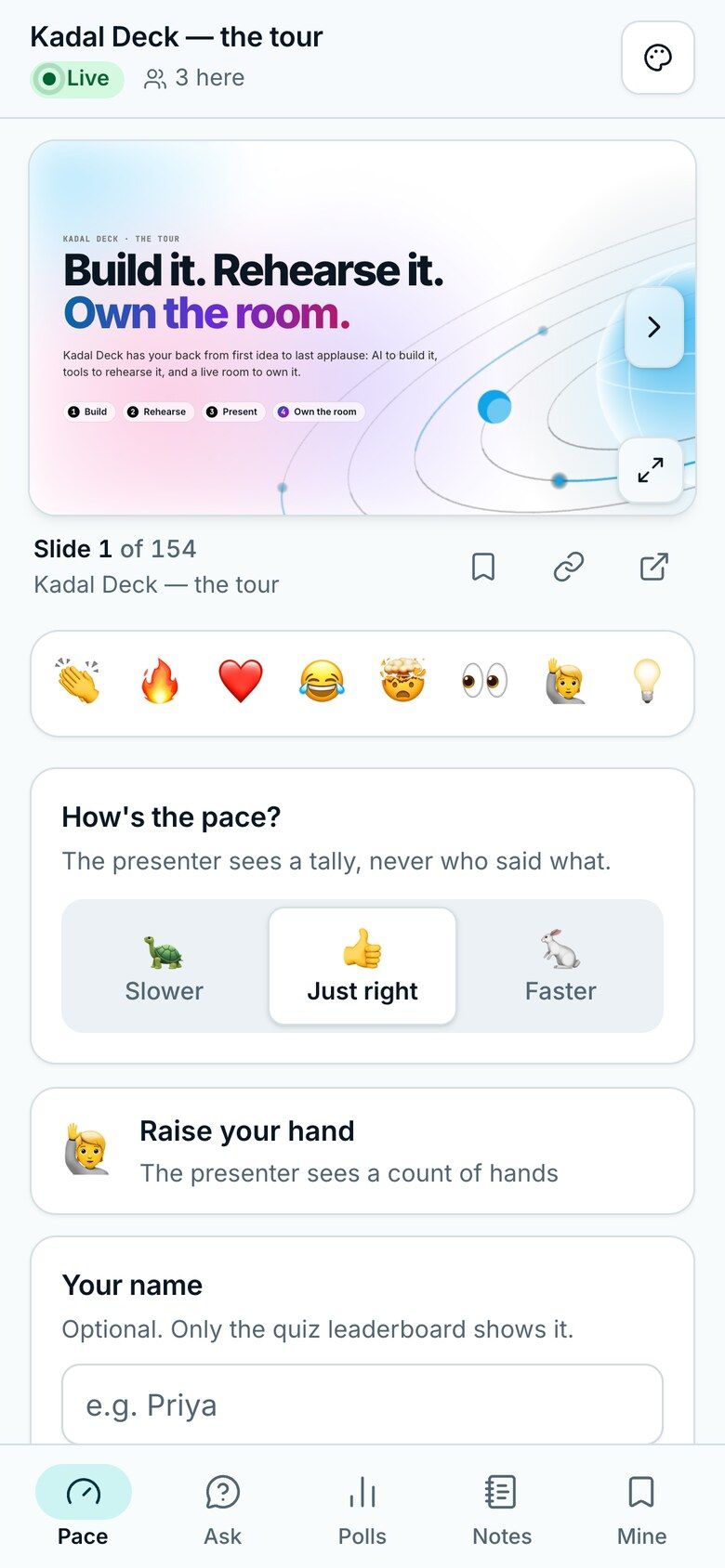
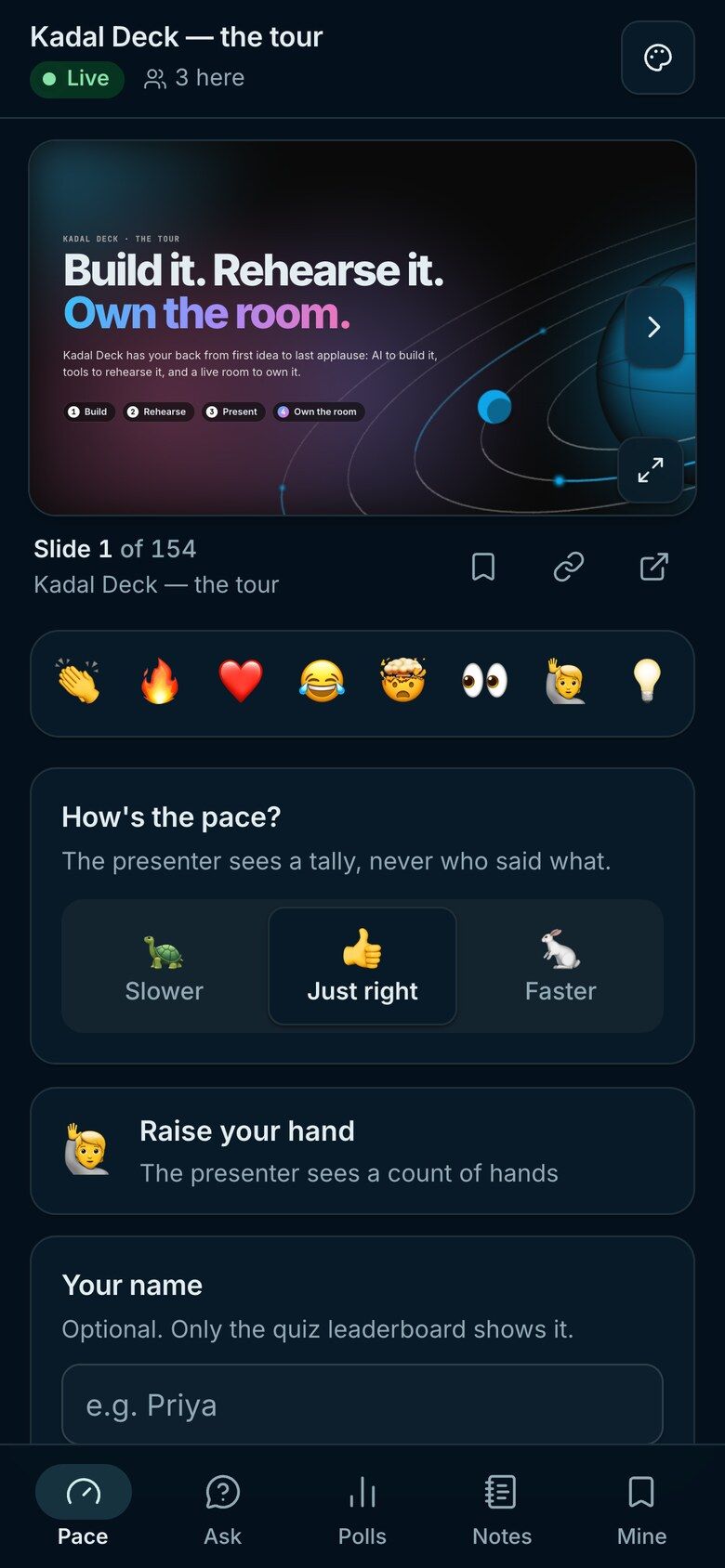
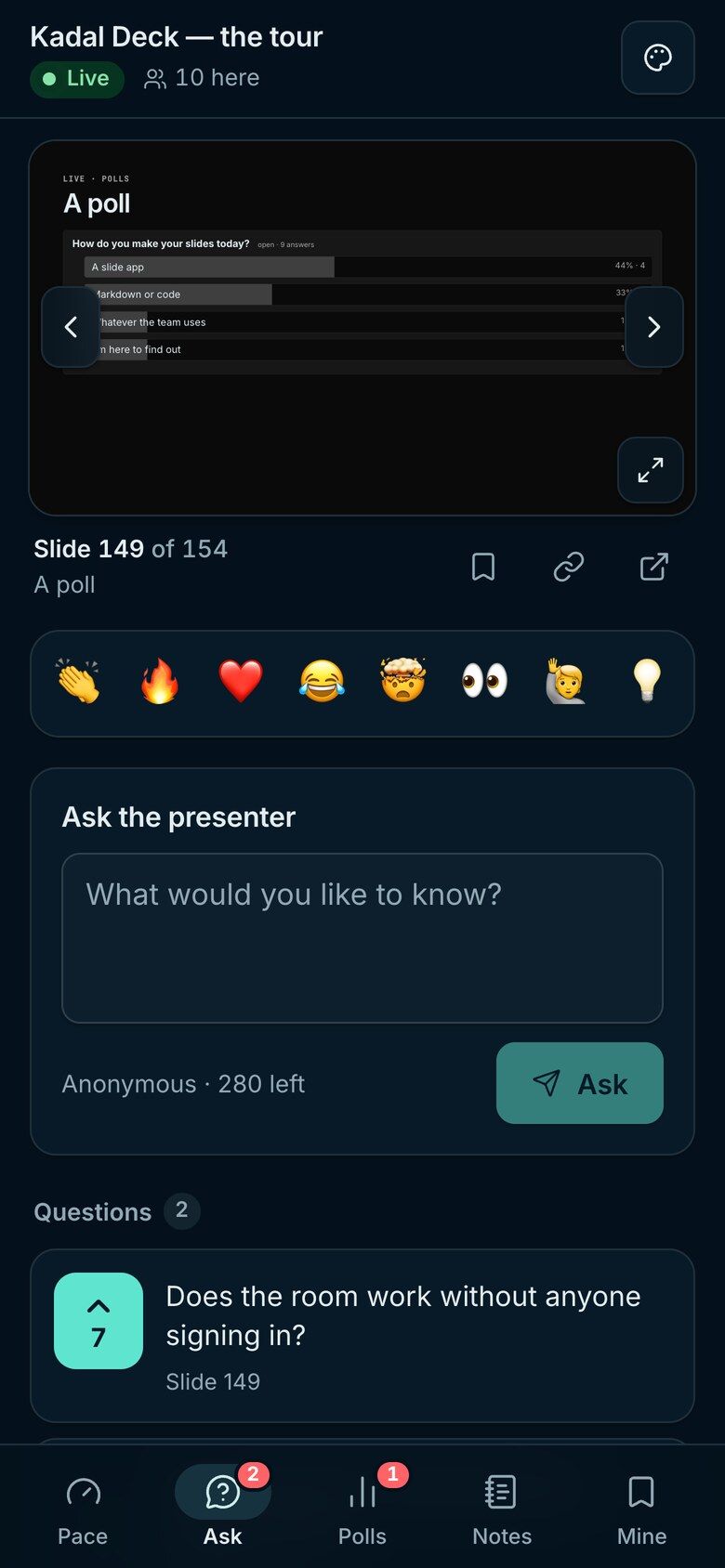
A talk is better when the room is in it. Every published deck comes with a live room: people open a link or scan the QR code on your slide, and their phone follows along, with no app to install and no account to make. They vote, answer, ask, upvote and react, and you see all of it in the presenter view.
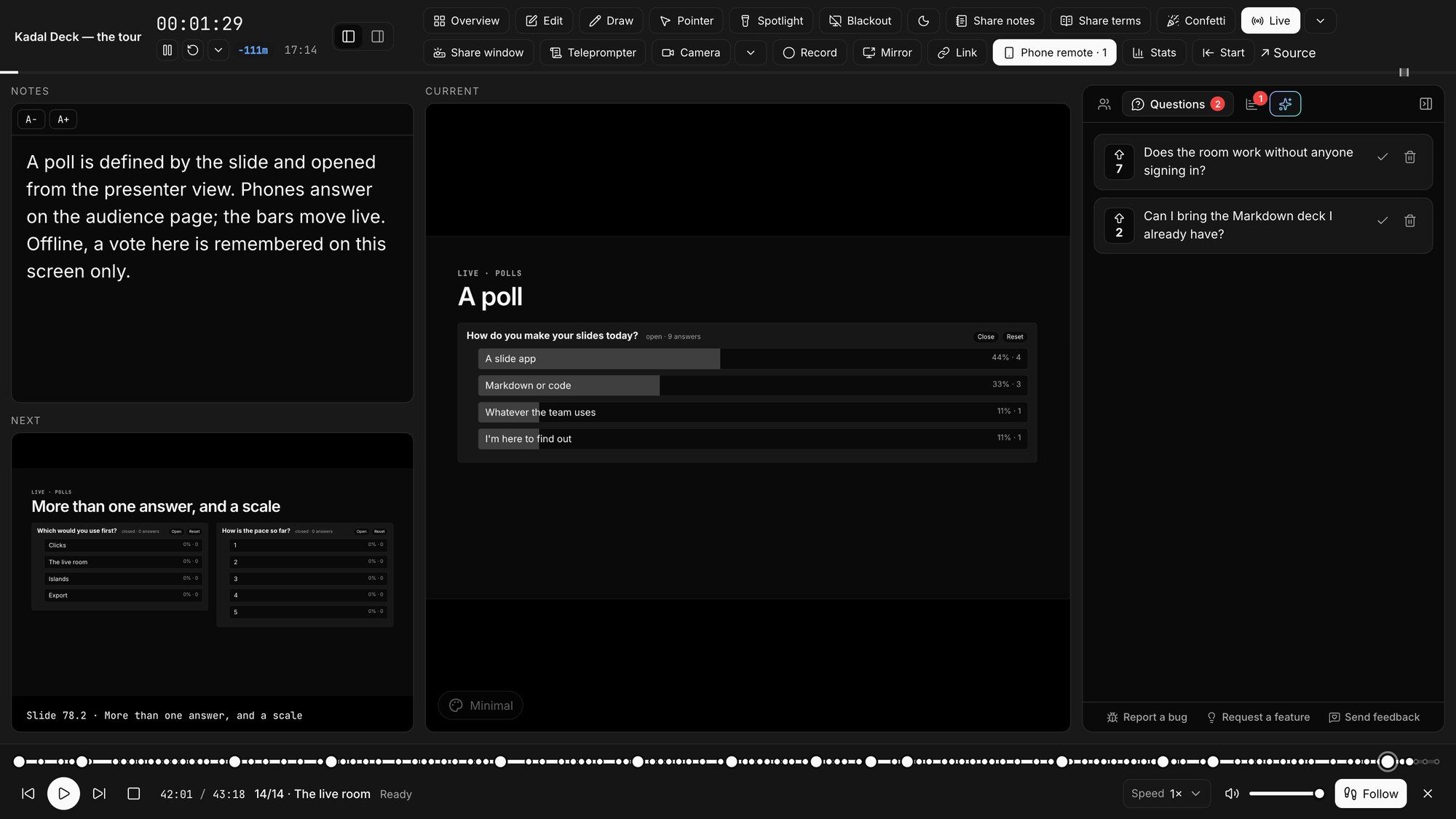
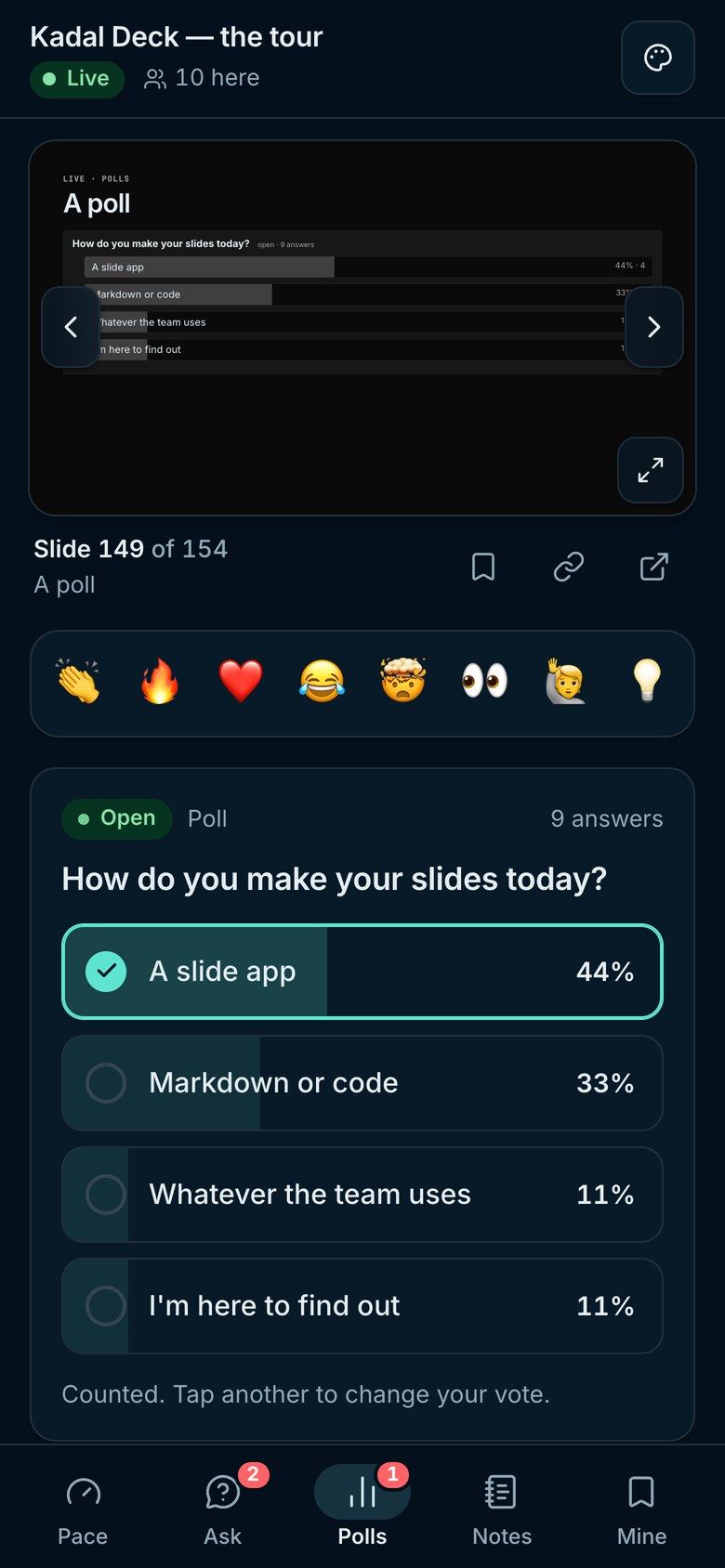
Single or multiple choice, and ratings. You open and close them from the presenter view.
One-word answers, sized by how many people gave them.
Timed questions scored by speed, with a leaderboard of nicknames.
Asked from the seats and upvoted, so you answer what the room wants.
Eight of them, floating across the projector and every phone.
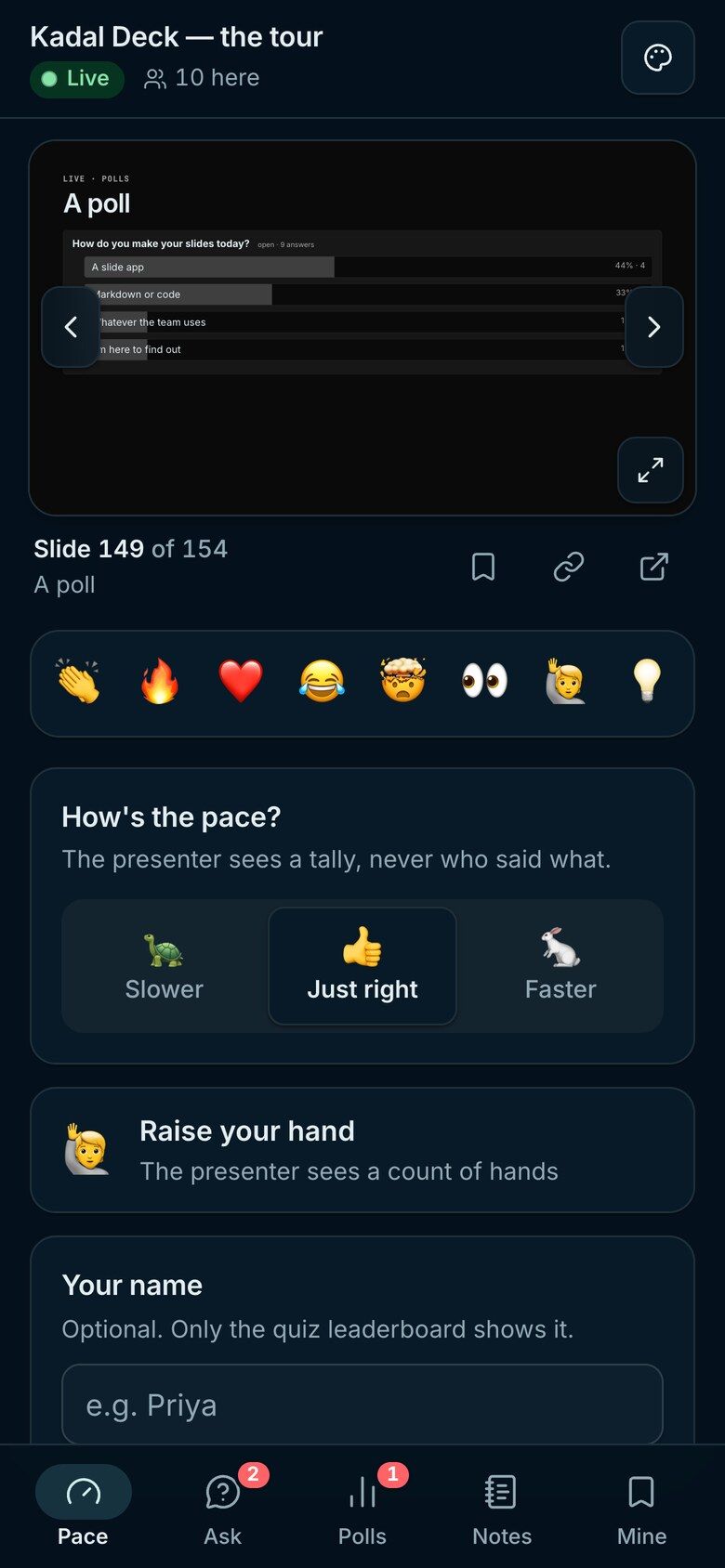
Slower, faster, or a raised hand, counted in your room panel.
What you draw on a slide appears on every phone, on that slide.
Anyone can wander to an earlier slide, then rejoin you with one tap.
The deck's page counts the views, and on the paid plans the time spent on each slide. On Pro and Team it keeps everything the room did: each session and its peak audience, the questions, the reactions, and every poll and quiz result, ready to export as CSV.
What the analytics showRooms hold 25 people on the free plan, and 100, 500 or 1,000 on the paid ones. How the room works
Open source
Everything one computer can do is free, for good: writing, presenting, the presenter view, export and a static build. The hosted service runs what needs a server, and pays for the engine's work.
The engine · free, AGPL
@kadal/deck on npmnpx kadal-deck build # dist/ for any static host
npx kadal-deck export # PDF; --png and --pptx too
npx kadal-deck relay # the phone remote, anywherepnpm exec kadal-deck build # dist/ for any static host
pnpm exec kadal-deck export # PDF; --png and --pptx too
pnpm exec kadal-deck relay # the phone remote, anywhereyarn kadal-deck build # dist/ for any static host
yarn kadal-deck export # PDF; --png and --pptx too
yarn kadal-deck relay # the phone remote, anywherebunx kadal-deck build # dist/ for any static host
bunx kadal-deck export # PDF; --png and --pptx too
bunx kadal-deck relay # the phone remote, anywhereThe hosted service · from $4 a month
npx kadal-deck login
npx kadal-deck publish    # prints your deck's link
pnpm exec kadal-deck login
pnpm exec kadal-deck publish # prints your deck's linkyarn kadal-deck login
yarn kadal-deck publish # prints your deck's linkbunx kadal-deck login
bunx kadal-deck publish # prints your deck's linkPricing
Free
$0 for public decks
Publish public decks and run a live room for a class or a meetup.
A room of 25
AI assistant and copilot, on your key
Starter
$4 a month
Private decks and a bigger room, with no watermark and no ads.
A room of 100
AI assistant and copilot, on your key
Pro Recommended
$8 a month
For people who present often, to big rooms, and want the numbers.
A room of 500
AI assistant and copilot, on your key
Team
$16 a month
A shared workspace for two, and more seats when you need them.
A room of 1,000
AI assistant and copilot, on your key
Early adopter Limited seats
Pay once and keep Pro on one workspace for as long as we run Kadal Deck. For the people who back it early.
$99once
Limited seats at $99
Then the price goes up to $149.
Get lifetime ProOne workspace, not transferable. If it pays for Starter or Pro, that subscription stops at the end of the period you've paid for. Refunds · Terms
Paid plans billed annually; monthly billing is there too. Compare the plans
Questions
Anything else: hello@kadal.cc, or ask on Discord.
No. They open a link or scan the QR code on your slide, and the room runs in the phone's browser. Nobody signs in.
No. The engine is open source: you can write, present, export and build a static site with no account and no network. The hosted service adds the live room, private decks, version history and analytics.
Node 20.19 or newer and a text editor. npm create @kadal/deck@latest my-talk copies a starter deck; npm run dev opens it, and the slide you're on updates as you save.
Narration reads your notes aloud and turns the pages, so you hear how long the talk runs. Give each slide a time and the presenter view's timer marks where you should be and how far ahead or behind you are. The teleprompter puts your notes, big, on a screen of their own, and the Copilot can quiz you on them.
Yes. kadal-deck export writes a PDF with bookmarks, PNGs, or a PPTX, either one picture per slide or rebuilt as editable text and shapes, with your notes. On paid plans, people viewing a hosted deck also get a PDF download button.
25 at once on the free plan, 100 on Starter, 500 on Pro and 1,000 on Team.
On the paid plans a deck can be unlisted, or locked with a passcode. Decks on the free plan are public, with a small Kadal watermark on the slides and an ad on the first and last.
React and web components out of the box. Vue, Svelte, Solid, Preact, Qwik, Angular, Fresh, Rust compiled to WebAssembly and Python each come as a package, and each loads only when its slide does.
In the builder, the assistant writes a first draft from a description, rewrites slides and answers comments; every change it makes is a revision you can undo. In the presenter view, the copilot moves around the deck, spotlights and draws, and quizzes you on your notes. Both run on your workspace's own key from OpenAI, Anthropic, Google, OpenRouter or any OpenAI-compatible API, on every plan. Or bring your own agent, like Claude Code, through the MCP server and the Agent Skill.
Writing, presenting and hosting your own talks is fine. If you build the engine into a service other people use, the AGPL asks you to publish your changes; if that doesn't suit your product, a commercial licence is available.
Community
Share a deck and get feedback, ask for help, tell us what to build next, and hear about every release first. The people who make Kadal Deck are in there too.
Join the DiscordBuild it, rehearse it and own the room, free with public decks and a room of 25. We'll be with you the whole way.
npm create @kadal/deck@latest my-talk pnpm create @kadal/deck my-talk yarn create @kadal/deck my-talk bun create @kadal/deck my-talk 


