
Backgrounds
A background is what sits behind one slide’s content. It can be a colour, a picture, a video or a web page; one of the engine’s free background components; or, on Pro and Team, one of the Pro library’s premium backgrounds. Layouts have their own page.
Writing one
Section titled “Writing one”background: in a slide’s frontmatter (or in defaults: for every slide) takes a string or an
object:
| Write | For |
|---|---|
background: "#0b1724" |
a flat colour, any CSS colour |
background: "linear-gradient(160deg, #04121f, #073049)" |
a CSS gradient |
background: /images/cover.jpg |
an image from public/, or a URL; it covers the slide |
background: /media/clip.mp4 |
a muted video (.mp4, .webm, .mov, .ogv) that plays once (the object form below loops) |
background: aurora |
a background component, by name |
background: { component: starfield, count: 400 } |
a component with its props |
background: { image: /images/cover.jpg, size: contain, position: top, opacity: 0.6 } |
an image with size, position, repeat and opacity |
background: { video: /media/loop.mp4, loop: true } |
a video that loops; muted defaults to true |
background: { iframe: "https://example.com", interactive: true } |
a web page behind the slide; interactive lets it take input |
background: { tint: "rgba(5,150,105,0.12)" } |
a soft diagonal wash of one colour (fill: is the same) |
Inside a slide, <Background name="topo" /> does the same as background: topo, and
<Background> with children draws your own layer behind the content.
The Pro library
Section titled “The Pro library”Kadal Deck Pro and Team include the Pro library: premium backgrounds and layouts in fifteen
genres, from consulting covers and KPI boards to confetti, chalkboards and synthwave grids, each
drawn for light and dark. Every one has a pro/ name and is used like any other:
---background: pro/neon-driftcolorScheme: dark---
# Level select
A few of them (hover one to see it move; each opens in the library):
-

 Moves
Moves background: pro/neon-drift -

 Moves
Moves background: pro/orbit -

 Moves
Moves background: pro/festival-lights -

 Moves
Moves background: pro/swell -

 Moves
Moves background: pro/halftone-wave -

 Moves
Moves background: pro/circuit -

 Moves
Moves background: pro/glass-panels -

 Moves
Moves background: pro/molecule -

 Moves
Moves background: pro/flight-paths
background: { component: pro/neon-drift, speed: 2 } passes props, and
<Background name="pro/neon-drift" /> works inside a slide. Each item’s props are listed in its
detail sheet under Explore → Backgrounds in the dashboard.
Where they render, honestly. The library is not part of the open-source engine: it is served by
our host, to decks whose workspace is on Pro or Team, published on deck.kadal.cc or previewed
in the hosted builder. Anywhere else — kadal-deck dev, a deck you build and host yourself, a
workspace on Free or Starter — a pro/ name falls back to the theme’s own background, so the deck
still works and simply looks like its theme. Pro backgrounds and layouts
has the full table, the copy-protection note and the contract another host could implement.
Free built-ins
Section titled “Free built-ins”The engine ships its own background components, free everywhere the engine runs. These are the ones we reach for most:
-
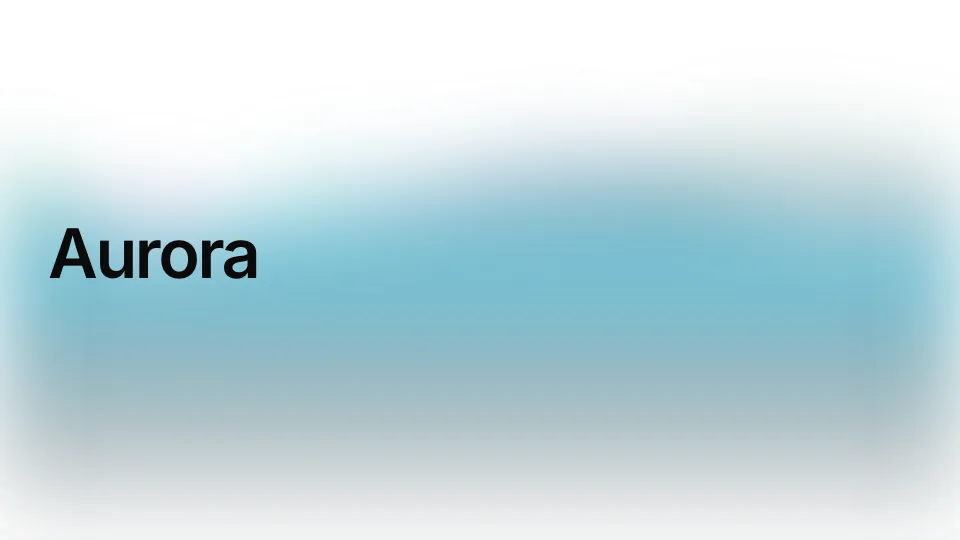
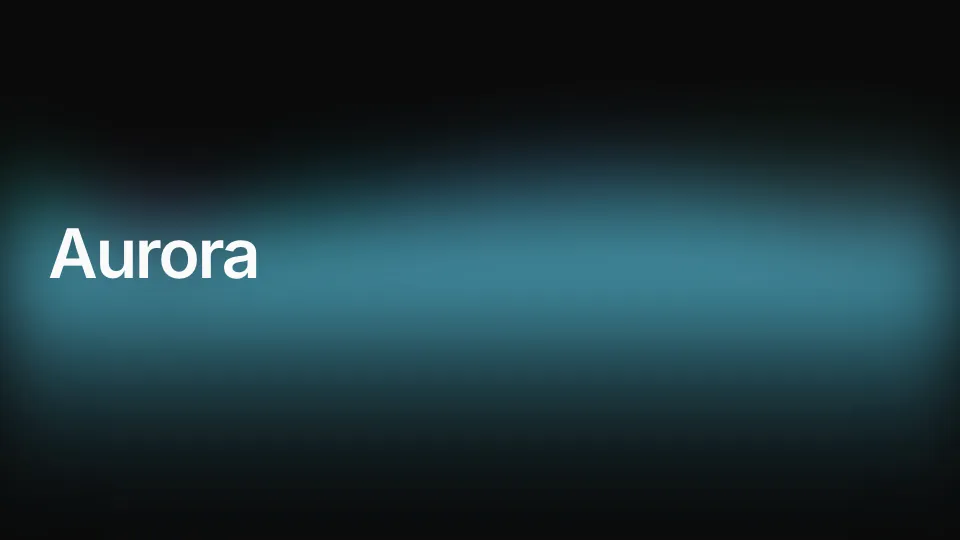
background: auroraSoft northern-lights bands drifting across the slide. -
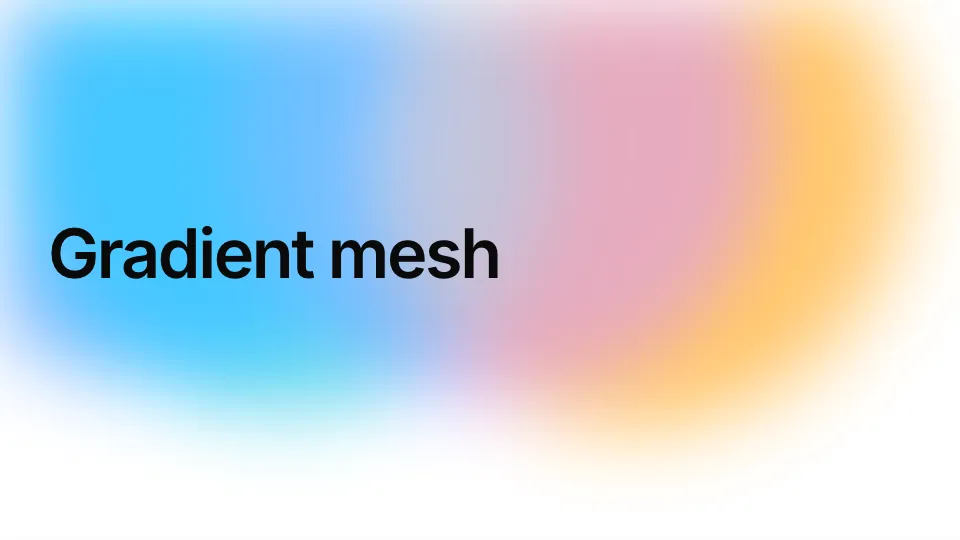
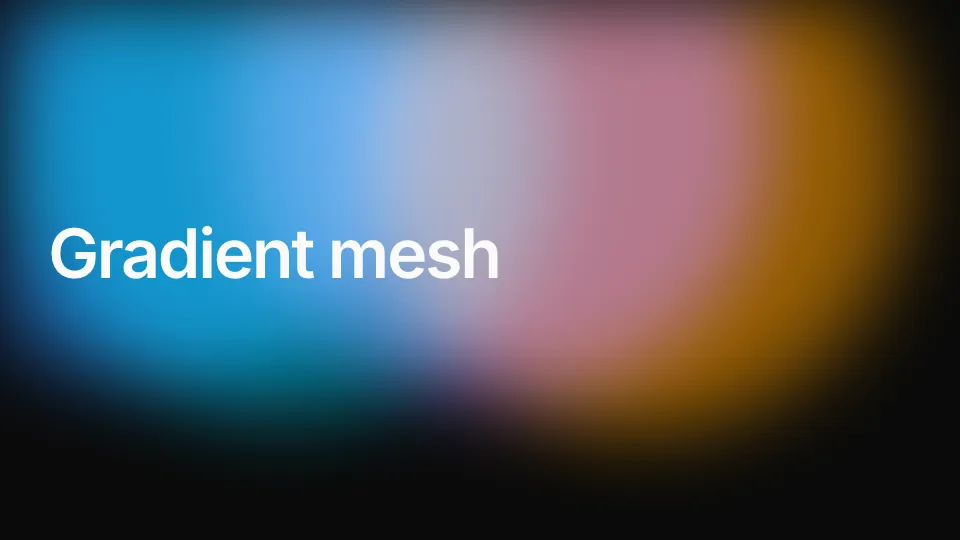
background: gradient-meshSlow, blurred colour blobs that drift and blend. -
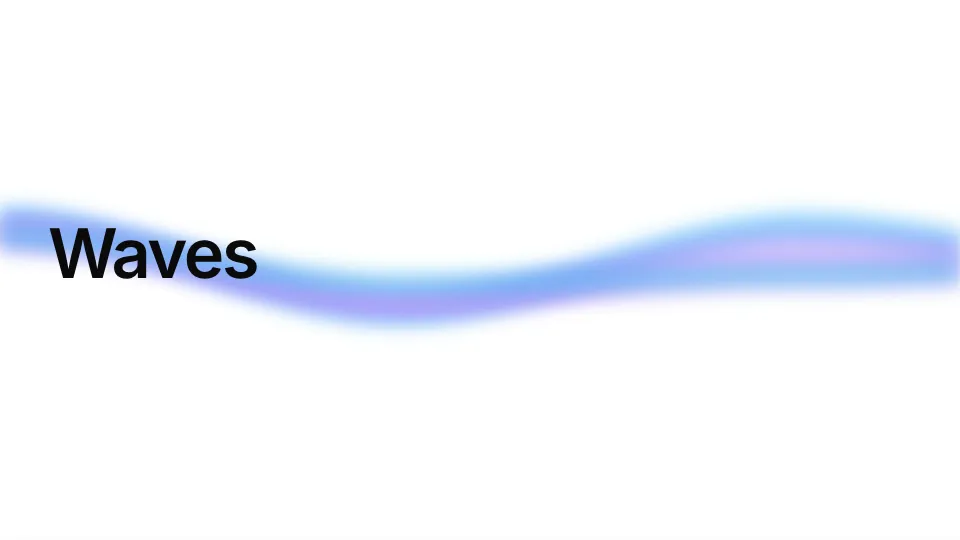
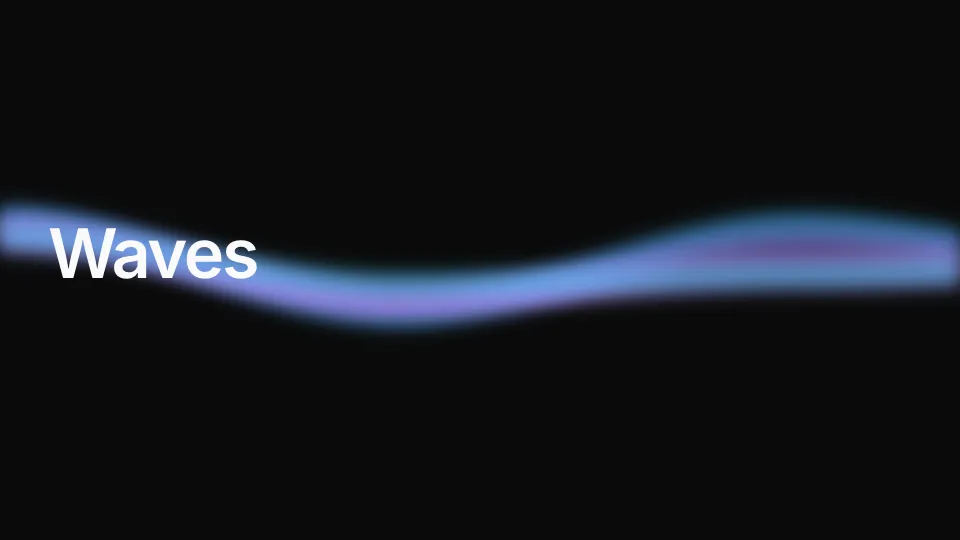
background: wavesLayered noise waves rolling through the middle. -


background: glowsLarge, slow glows of colour behind the words. -
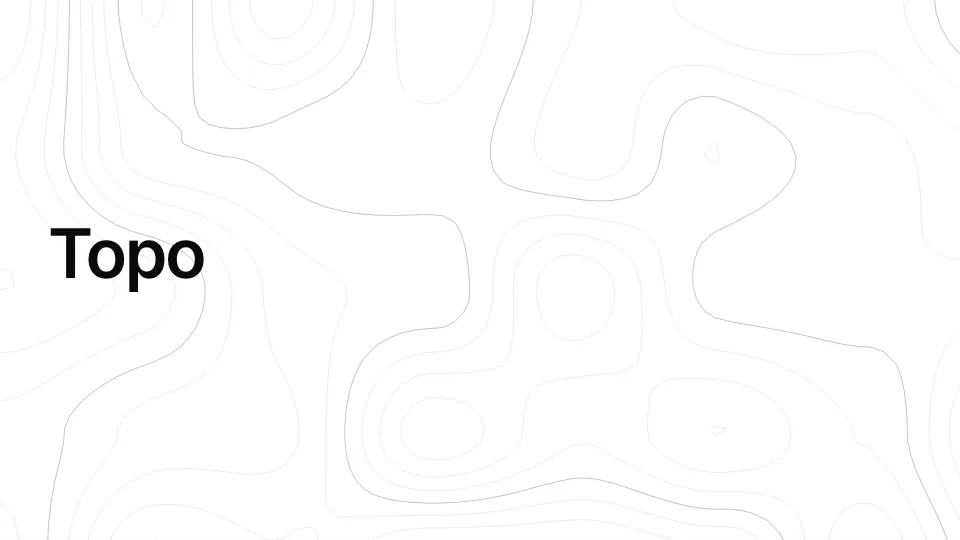
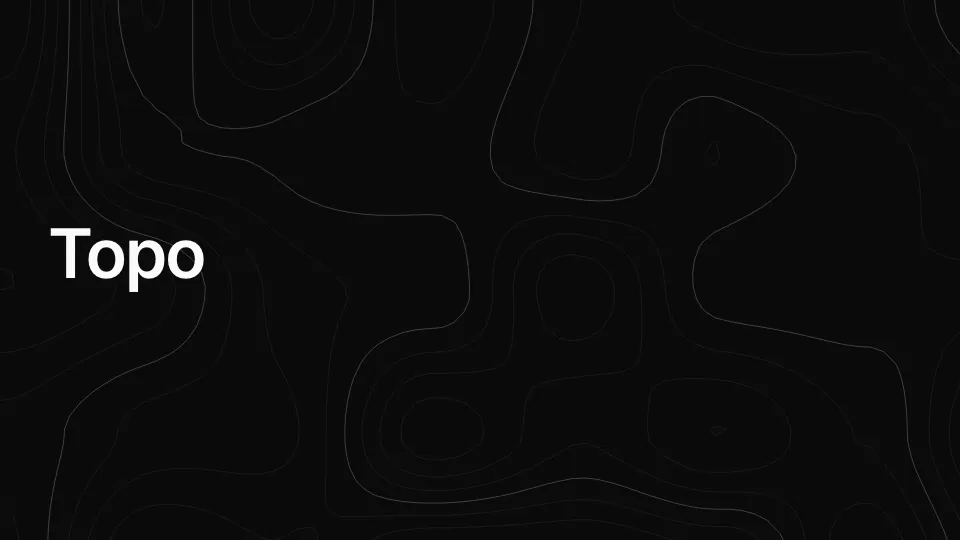
background: topoTopographic contour lines with index lines. -


background: globeA wire globe turning slowly, with a day and a night side. -
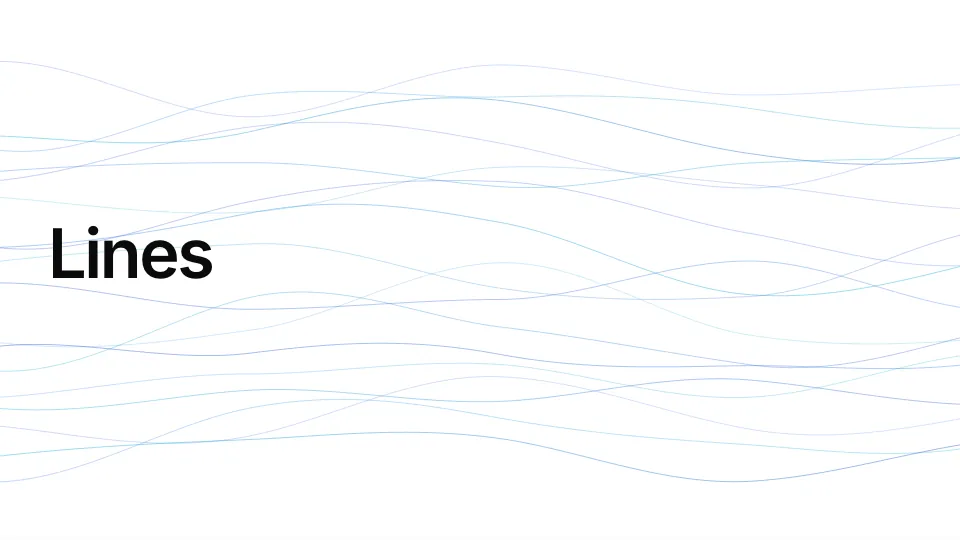
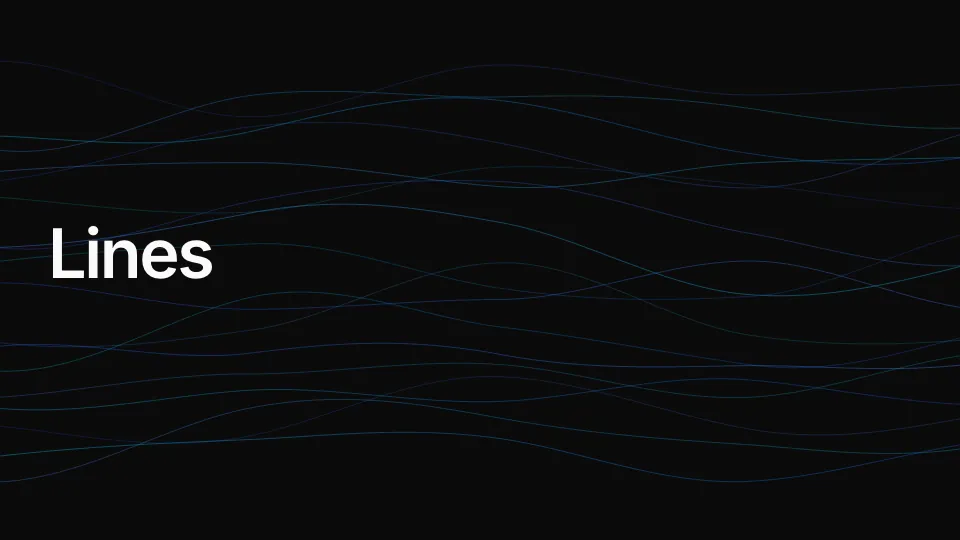
background: linesFlowing gradient lines across the slide. -
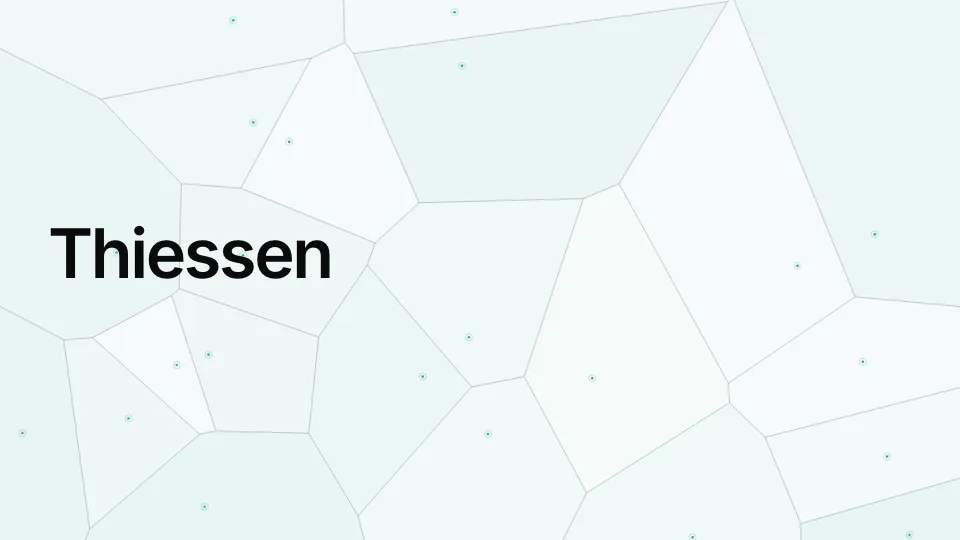

background: thiessenSeeds drifting under their Voronoi polygons.
Every built-in component
Section titled “Every built-in component”Every one pauses when its slide is not shown and holds a still frame under reduced motion. Colours
are CSS strings, so rgba() sets their weight; each one’s other props are listed by
npx kadal-deck info backgrounds <name>pnpm exec kadal-deck info backgrounds <name>yarn kadal-deck info backgrounds <name>bunx kadal-deck info backgrounds <name>.
Ambient
| Name | What it draws |
|---|---|
gradient-mesh (also mesh) |
slow, drifting, blurred colour blobs (colors, speed) |
aurora |
soft northern-lights bands (colors, speed) |
waves |
layered noise waves (colors, speed, blur) |
lines |
flowing gradient lines (colors, count, speed) |
beams |
thin beams of light falling (color, count) |
sparkles |
a twinkling particle field (color, density, size) |
starfield |
stars drifting slowly (color, count) |
grid |
a fine grid fading at the edges (color, size) |
dots |
a dot matrix (color, size) |
noise |
film grain (opacity) |
spotlight |
a soft radial glow at a point (color, x, y) |
Quiet
| Name | What it draws |
|---|---|
topo (also contours) |
topographic contour lines with index lines (color, levels, speed, spacing) |
glows |
large slow glows of colour (colors, opacity, speed) |
graticule |
a latitude and longitude graticule (color, size, major) |
hex |
a hexagonal grid (color, size) |
constellation |
points joined to their near neighbours, drifting (color, count, reach) |
vignette |
a darkened edge (color, strength) |
rays |
light rays from a point (color, x, y, opacity) |
stripes |
diagonal stripes (color, size, angle) |
sweep |
a slow animated gradient across two or three colours (colors, speed, angle) |
Maps
| Name | What it draws |
|---|---|
globe |
a wire globe off to one side, turning slowly, with day and night sides |
thiessen (also voronoi) |
seeds drifting under their Voronoi polygons |
cells |
reports landing on a grid: cells light up, ripple and go dark |
compass |
a compass rose with its degree ring turning |
neatline |
a map sheet’s frame: neatline, coordinate ticks, north arrow, scale bar |
scan |
a graticule swept by a satellite pass |
raster (also choropleth) |
a choropleth of cells classed by a drifting field, with its legend |
plane (also floor) |
a dotted ground plane in oblique projection, for exploded figures |
Colour and wash
Section titled “Colour and wash”With a component, color is the component’s stroke, and fill (or tint) washes the layer behind
it: a soft diagonal gradient of that one colour, strongest top-left, never a flat block:
background: { component: topo, color: "rgba(5,150,105,0.55)", fill: "rgba(5,150,105,0.12)" }tint: alone does the same on a slide without a component, where plain color: stays flat. A
background is laid out at the stage size, however small it is drawn. A busy pattern behind a dense
slide fights the text: behind text-heavy slides, a faint globe or the wash alone reads best. A dark
background under a light theme wants colorScheme: dark on the slide too.
Removed in 0.6
Section titled “Removed in 0.6”Kadal Deck 0.6 removed eight built-in backgrounds that were drawn for two particular talks and
didn’t belong in a general engine: the sign-language set signer, variants, handshapes,
trails, window and embedding, and the map backgrounds lattice and track.
A deck that still names one gets its theme’s own background in a published deck; in kadal-deck dev
and the builder, the slide shows an “Unknown background” notice that links here. Nothing else breaks.
To keep one, copy its code into your deck and register it under the same name. The 0.5.3 source is on GitHub, under the same AGPL-3.0 licence as the engine:
sign.tsx—signer,variants,handshapes,trails,window,embeddinggis.tsx—lattice,trackshared.ts— the small canvas helpers they use
Put the component (and any helpers it imports) in a file of your deck, say src/backgrounds.tsx, and
register it from src/components.tsx, which main.tsx imports before the deck renders:
import { registerBackground } from "@kadal/deck";import type { ComponentType } from "react";
import { Lattice } from "./backgrounds.tsx";
registerBackground("lattice", Lattice);
export const components: Record<string, ComponentType<Record<string, unknown>>> = {  // …the deck's own components};
The slides keep their background: { component: lattice, … } frontmatter, props and all. Imports
of engine internals in the copied file become imports from @kadal/deck, or copies of their own.
Or switch the slide to a free built-in above, or a Pro one.