Joining takes a few seconds
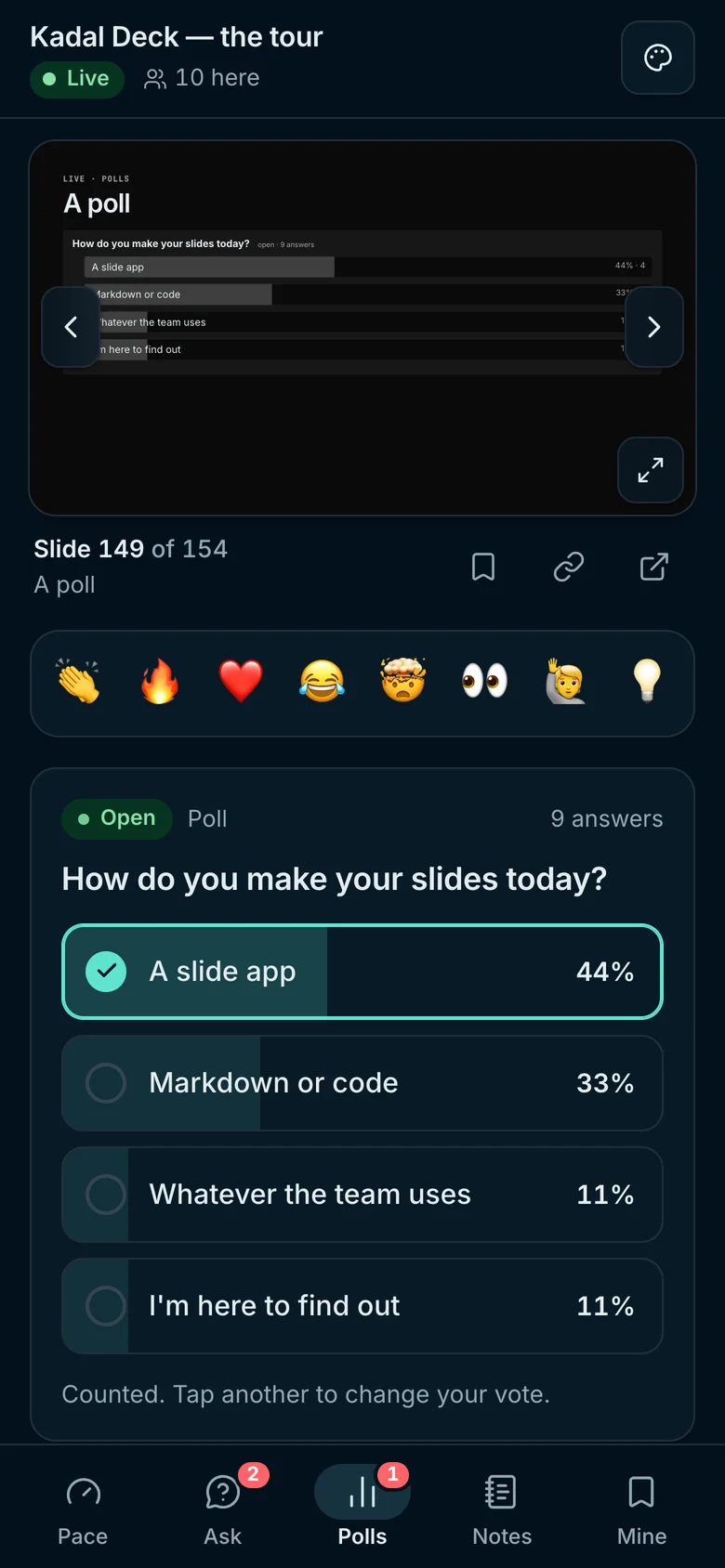
A QR code on the slide, no app and no account. Phones follow your slides and can browse back on their own.
Use cases / Workshops
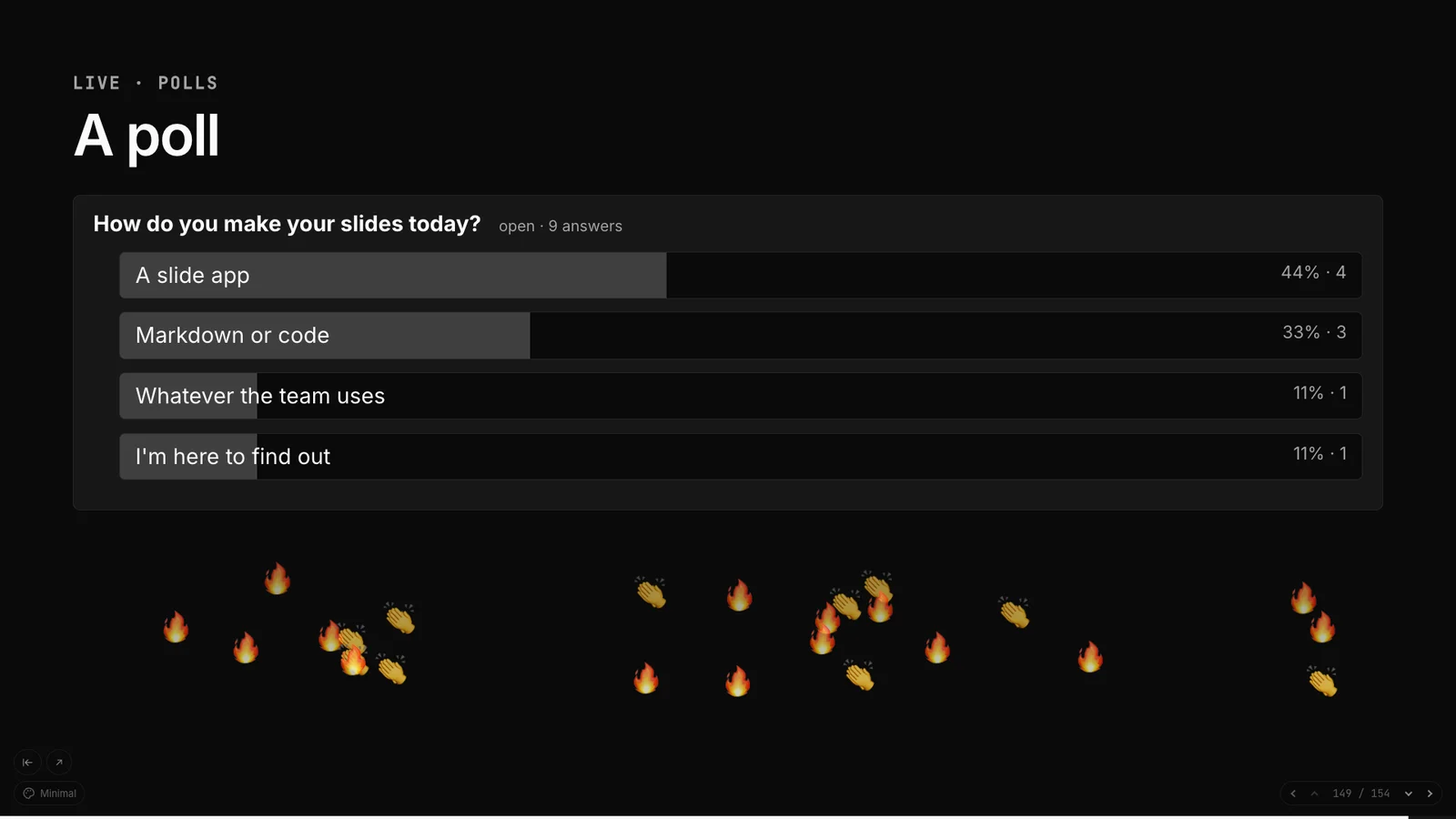
Everyone in the room joins from their phone by scanning a QR code. They answer polls and quizzes, ask questions and tell you when you're going too fast, and the results show on the big screen.
Why it fits
A QR code on the slide, no app and no account. Phones follow your slides and can browse back on their own.
Single and multiple-choice polls, ratings, word clouds, timed quizzes scored by speed with a leaderboard, and open questions people upvote.
The presenter view shows how many people are here, the pace meter and the top questions while you talk.
Start a session and its polls, questions and peak audience are saved for you to read afterwards.
The deck
A workshop opener with a QR code, a poll, a quiz with its leaderboard, and a questions slide with a pace meter. It passes kadal-deck check as it stands.
---
title: Git, hands-on
theme: ocean
---

# Git, hands-on

Join on your phone: no app, no sign-in

<QrJoin />

---

## Where are you starting from?

<Poll
  id="level"
  question="How often do you use Git?"
  options={["Never", "Now and then", "Every day"]}
/>

---

## Quick check

<Quiz
  id="add"
  question="Which command stages a file?"
  options={["git commit", "git add", "git push", "git stash"]}
  correct={1}
  seconds={20}
/>

<Leaderboard top={5} />

---

## Stuck? Ask here

<Questions limit={5} />

<Pace />
Step by step
Each live component needs a unique id; the room keeps its answers under it.
Every published deck has a room. The free plan holds 25 people; Starter 100, Pro 500, Team 1,000.
npx kadal-deck publish pnpm exec kadal-deck publish yarn kadal-deck publish bunx kadal-deck publish In the presenter view, Start session opens the room and begins keeping results.
Polls, questions and the audience peak are on the deck's stats page and in the dashboard.
Read next
Other uses: Slides in Markdown · Conference talks · Lectures and teaching · Pitch decks · Team demos and reviews